
Best Free Algebra Calculator with Steps in 2026 (Solve Any Equation Instantly)
Use our free Algebra Calculator with step-by-step solutions, graphing, fractions, and equation solver. Solve algebra problems instantly online in 2026.
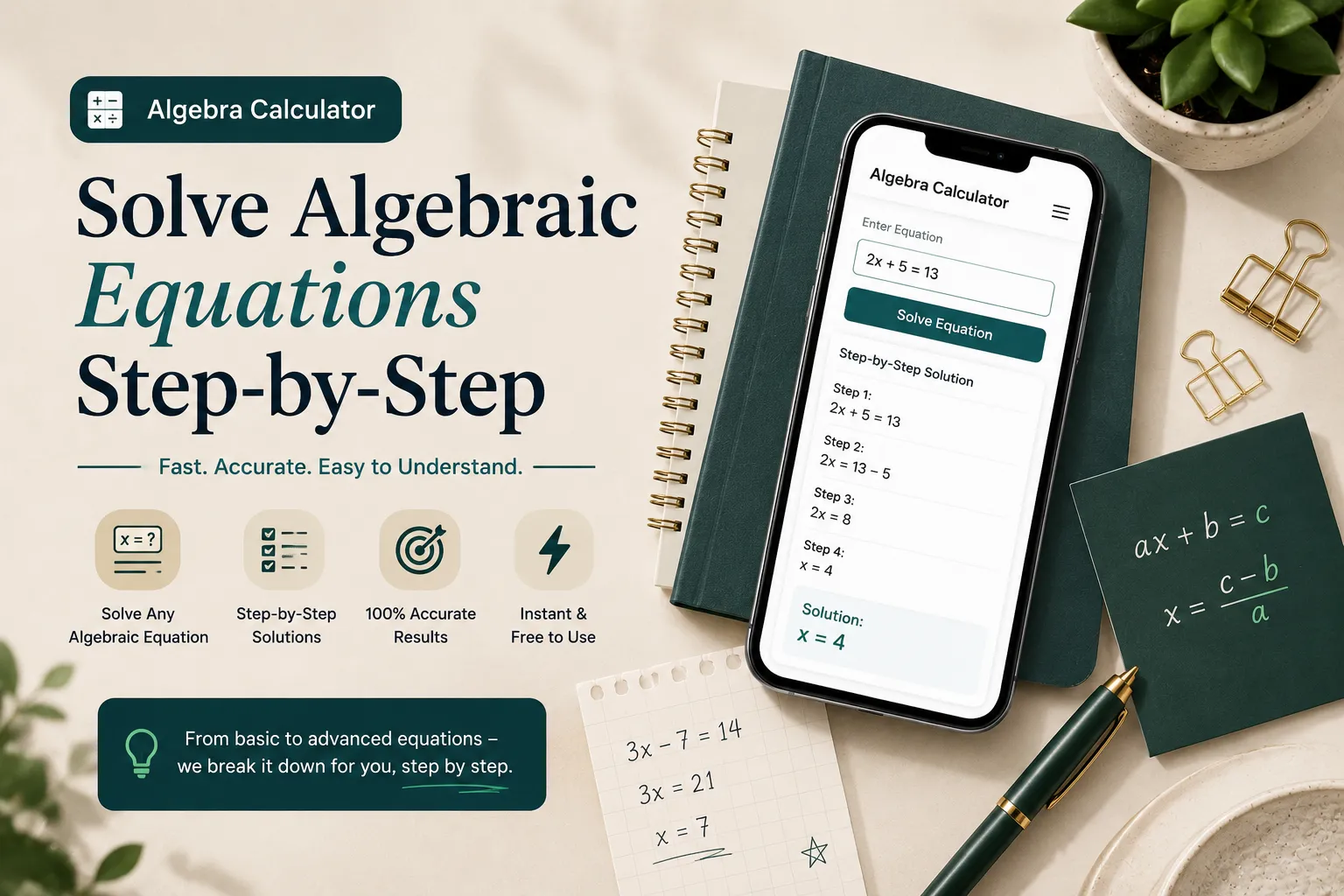
What Is an Algebra Calculator and How Does It Solve Equations
An algebra calculator is not just a faster version of doing math by hand. It reads your expression the same way a person would, using order of operations, then picks a solving method based on what type of equation you entered. A linear equation gets solved by isolating the variable. A quadratic equation gets solved through factoring, completing the square, or the quadratic formula, whichever fits the numbers best.
The part that actually matters for learning is the step display. A calculator that only outputs x = 4 teaches you nothing. A calculator that shows each move, such as subtracting 3 from both sides, then dividing by 2, lets you check your own working against a correct method line by line. This is the real difference between tools, and it is worth more than raw speed.
If you want the underlying rules explained in full rather than just applied, Khan Academy's algebra basics course is a solid free reference for the reasoning behind each method a calculator uses.
How to Use an Algebra Calculator With Steps
Type the expression exactly as written, using parentheses around fractions or grouped terms to avoid order of operations errors.
Choose what you want done: simplify, solve for a variable, factor, or graph, since some tools need this selected first.
Review the step-by-step output line by line rather than jumping straight to the final answer.
Check the answer by substituting it back into the original equation yourself.
If the steps do not match how your class was taught, look for a second solving method in the same tool, since many support more than one approach.
Core Algebra Problems You Can Solve
Simplifying Expressions
Simplifying means combining like terms and removing unnecessary parentheses before solving anything. For example, 3x + 5 + 2x − 1 simplifies to 5x + 4. A calculator error here is almost always a sign error, so this step deserves attention even though it feels basic.
Solving Linear Equations
A linear equation such as 2x + 3 = 11 is solved by isolating x through inverse operations, giving x = 4. These are the most searched algebra problems because they appear in almost every math course, and a calculator that shows the isolation steps clearly is more useful here than one built for advanced graphing.
Solving Quadratic Equations
An equation like x² − 5x + 6 = 0 usually has two solutions. Factoring gives (x − 2)(x − 3) = 0, so x = 2 or x = 3. When factoring does not work cleanly, the quadratic formula handles any quadratic, and a good calculator will show which method it used and why.
Working With Fractions
Fractions inside algebra problems, such as x/2 + 1/3 = 5/6, cause more calculator mistakes than any other topic, mainly because of how the fraction gets typed. Using parentheses around each fraction and finding a common denominator before entering the equation prevents most of these errors.
Graphing Equations
Graphing shows what the algebra means visually. A linear equation graphs as a straight line, and a quadratic graphs as a parabola, with its solutions appearing exactly where the curve crosses the x-axis. This view helps confirm an algebraic answer is correct, since a wrong solution simply will not sit on the line.
Free Algebra Calculators vs Paid Tools
Most people searching for an algebra calculator price expect to pay for something, but the core algebra functions- solving, simplifying, and basic graphing- are free across nearly every major tool today. Paid tiers usually unlock extra explanation depth, ad removal, or offline access rather than new math capability.
Tool | Best For | Shows Steps | Graphing | Typical Cost |
|---|---|---|---|---|
Online algebra calculator | Fast solving with full working shown | Yes | Yes | Free |
Desmos | Visual graphing and exploring functions | Limited | Yes, strong | Free |
MathPapa | Practice with guided step-by-step teaching | Yes | Basic | Free, paid app option |
TI 84 handheld | Exams that require a physical calculator | No | Yes | One-time hardware cost |
Microsoft Math Solver | Scanning handwritten problems by camera | Yes | Yes | Free |
Algebra Calculator App vs Browser Tool
A browser-based calculator works instantly on any device with no install and no storage used, which fits most homework situations. A dedicated app tends to work better offline, on a bus or in a classroom with no signal, and often keeps a saved history of past problems. Google's built-in calculator handles quick arithmetic well but is not built for full step-by-step algebra, so it works best as a spot check rather than a primary solving tool.
Common Mistakes People Make
Typing a fraction without parentheses, so 1/2x gets read differently than intended.
Trusting the final answer without checking the steps, which hides a typing mistake instead of catching it.
Dropping a negative sign when copying a problem from paper into the calculator.
Mixing up simplify and solve, then wondering why the output looks different from what the homework expects.
Ignoring the graph view when it is available, even though it is often the fastest way to confirm a solution.
A Practitioner's Workflow for Faster Solving
Anyone who tutors algebra regularly learns the same pattern: students who use a calculator well solve problems faster than students who avoid it, but only if they use it as a checking tool, not a shortcut around the method. A practical workflow looks like this: solve the problem by hand first, then run it through the calculator to confirm the answer and compare the steps against your own working. When the methods differ, that gap is exactly where the learning happens, since it usually points to a specific rule applied incorrectly rather than a random mistake.
For harder problems, work backward from the graph when the algebra feels unclear. Seeing where a curve crosses zero often makes the correct factoring approach obvious in a way that staring at the equation alone does not.
Conclusion
An algebra calculator is most valuable when it teaches you the method, not just the answer. Whether you use a free online tool, a graphing app, or a physical calculator for exams, the goal stays the same: understand each step well enough to solve the next problem without help.
To start today:
Solve your next algebra problem by hand first, then check it against a step-by-step calculator.
Use the graph view whenever it is available to confirm your answer visually.
Pick one tool that fits how you actually work, whether that is offline app access or instant browser solving, and stick with it so the steps stay consistent.
If algebra homework is part of a bigger grade picture this term, you can also use a free GPA calculator to see how each course, including math, is affecting your overall average.
Frequently Asked Questions
Q: Can I use Google to solve algebra equations?
Google's search bar can handle basic arithmetic and simple equations, but it does not show full algebra steps, so it works best for quick checks rather than learning a method.
Q: Is an algebra calculator with steps free to use?
Yes, step-by-step solving is a standard free feature on most algebra calculators today, not a paid upgrade.
Q: What is the difference between Desmos and a standard algebra calculator?
Desmos is built primarily for graphing and exploring functions visually, while a standard algebra calculator focuses on solving and showing the algebraic steps behind an answer.
Q: Is MathPapa good for learning algebra, not just getting answers?
MathPapa is designed around guided practice and step-by-step explanations, which makes it useful for learning the method, not only checking a final answer.
Q: Do I still need a TI 84 if I use an online algebra calculator?
Some exams require a physical calculator such as a TI 84, so check your course rules first, since an online tool cannot replace it during a test that bans phones and browsers.
Q: How does Microsoft Math Solver work?
Microsoft Math Solver can read a handwritten or printed problem through your phone camera and then solve it with steps, which suits homework photographed straight from a textbook.
Q: Can an algebra calculator handle fractions?
Yes, most algebra calculators handle fractions directly, though typing them inside parentheses avoids the most common input errors.
Q: What does an algebra calculator price usually include?
Core solving and graphing are typically free, while paid tiers mainly add extras such as deeper explanations, no ads, or offline use.
Q: Is there a free online algebra calculator with steps that also graphs?
Yes, most modern algebra calculators combine step-by-step solving with a graphing view in the same free tool, so a second app is not needed.
Q: Is an algebra calculator app better than a browser version?
An app tends to work better offline and keeps a saved history, while a browser tool loads instantly with no install, so the better choice depends on whether offline access matters.
Related Articles

Find the best scientific calculator online for free. Compare Desmos, GeoGebra, Casio, and TI-84 options for homework, exams, engineering, and everyday math.

Use our free cubic feet calculator to calculate box, tank, wood, soil, and storage volume accurately from feet, inches, or cm.

Track food, medicine, documents and subscriptions with Expirel. Get WhatsApp expiry reminders, AI barcode scanning and reduce waste for free in 2026.

Use our free Health Calculator to calculate BMI, BMR, and TDEE instantly. Get accurate calorie needs, healthy weight insights, and fitness results.