
Best Scientific Calculator Online: Free Tools, Casio & TI-84 Guide
Find the best scientific calculator online for free. Compare Desmos, GeoGebra, Casio, and TI-84 options for homework, exams, engineering, and everyday math.
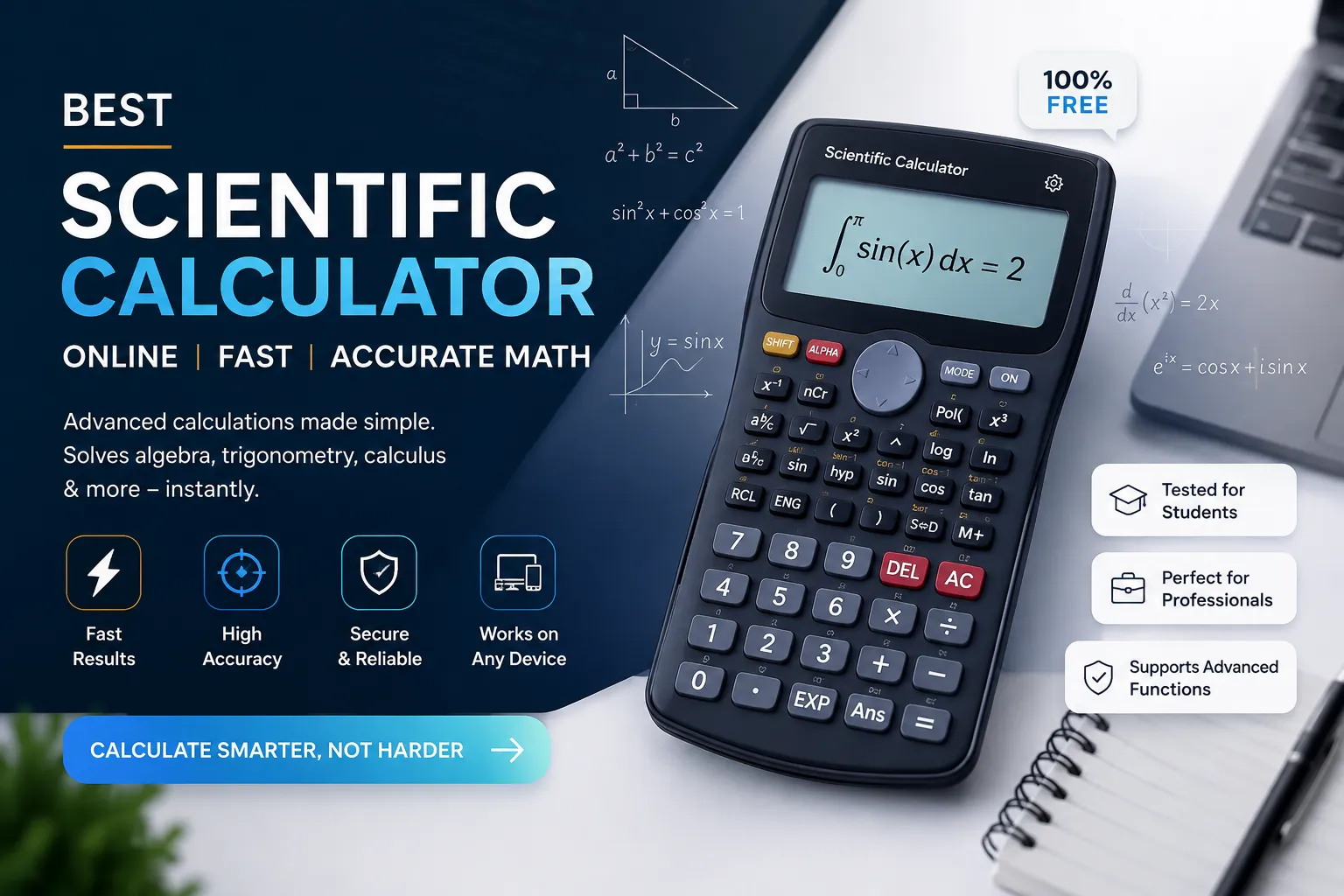
When you search for the best scientific calculator online, you are usually stuck on one of two problems. Either you need to solve a trig, log, or exponent problem right now and you do not have a physical calculator nearby, or you are trying to decide which calculator to actually buy for school, an exam, or work. This guide answers both problems. Below you will find the online scientific calculators worth bookmarking, an honest look at Casio and TI-84 options, what people on Reddit actually recommend, and a simple framework for choosing the right calculator for your situation, free or paid. Every recommendation here is based on how these tools behave under real problems, not just their marketing copy.
What Actually Makes an Online Scientific Calculator Good
Most articles list features and stop there. Few explain why those features matter once you are actually mid-calculation. Here is what separates a genuinely useful tool from a laggy widget:
Correct order of operations by default: Parentheses, exponents, then multiplication and division should resolve without you adding extra brackets.
A visible degree/radian toggle: This is the single most common source of wrong trig answers online. The tool is quietly set to radians while you are thinking in degrees, and the wrong number still looks plausible enough that you do not catch it.
Instant response on every keypress: If a calculator lags even half a second per tap, you will mistype and get avoidable errors.
A calculation history: So you can check earlier steps without retyping the whole problem.
A clean interface: The sin, cos, tan, log, and ln buttons should be visible, not buried in a menu.
No account or install required: A good tool works the moment the page loads.
Mistake to avoid: assuming that because a calculator looks scientific, with trig buttons and a log key, it computes correctly. Some ad-heavy sites run on JavaScript math libraries with rounding errors in edge cases, such as very large exponents, factorials above 170, or nested inverse trig functions. If a result looks off, cross-check it on a second tool before trusting it for an assignment or exam prep.
Best Scientific Calculator Online Free: Tools Worth Actually Using
These are the free options that consistently pass the accuracy and usability test above.
Desmos Scientific Calculator
The Desmos Scientific Calculator is the tool most math teachers point students to, and for good reason. It has a natural-display input, so fractions and exponents render the way they do on paper, correct order of operations, and a degree/radian toggle that is easy to find. It also connects to Desmos's graphing calculator if a plain scientific calculator turns out not to be enough for the problem in front of you.
GeoGebra Scientific Calculator
The GeoGebra Scientific Calculator leans more academic. It is built by an education non-profit and used widely in classrooms outside the United States. It handles complex numbers and statistics slightly better than most alternatives, and it doubles as a graphing and geometry tool without switching sites.
Web2.0calc
This tool is aimed at engineering and physics users who prefer typing formulas over clicking buttons, for example typing sin(90) directly instead of tapping a sequence of keys. It keeps a running calculation history and includes a unit converter and equation solver on the same page.
Tool | Best For | Notable Strength | Account Needed |
|---|---|---|---|
Desmos | Everydayhomework | Clean natural display, correct order of operations | No |
GeoGebra | Graphing + stats + scientific in one tool | Handles complex numbers and statistics well | No |
Web2.0calc | Keyboard-first users | Equation solver and calculation history | No |
You can also run the same checks on the scientific calculator at CalculatorsKit. It follows the same order-of-operations and degree/radian standards covered above, so it is worth testing against the checklist alongside the tools listed here.
Best Casio Calculator Online: What “Online Casio” Actually Means
Here is something most articles skip. Casio's real, official calculator emulator, the one that matches an actual fx-991EX or fx-991CW keystroke for keystroke, lives inside ClassPad.net, and it requires a licence tied to owning the physical calculator or holding a teacher account. It is not a plug-and-play free tool the way Desmos is.
So when people search for the best Casio calculator online free, they usually land on one of two things:
Unofficial simulators that copy the Casio button layout but run on generic math libraries. These are fine for casual homework but are not accurate enough to rely on for exam prep, because the keystroke sequence will not match your real device.
The genuine ClassPad emulator, which is accurate but requires the licence setup described above.
Practical takeaway: if you already own a Casio fx-991EX or fx-991CW ClassWiz and want to practise keystrokes exactly as they will appear on exam day, use the official ClassPad emulator. If you just need Casio-style natural display math for daily homework, a general free scientific calculator such as Desmos performs the same underlying math; only the button layout differs.
Best TI-84 Calculator Online: The Reality Check Most Sites Skip
This is the query where the most misleading content lives online. Texas Instruments does have an official TI-84 Plus CE online calculator, but it is a paid school subscription, not a free public tool, and it is built for 1:1 classroom device programs rather than casual visitors. The TI-84 emulator that appears inside official testing software, such as the College Board's Bluebook app for the digital SAT, is a separate, licensed integration built into that specific application. Neither one is a free website you can simply open and use.
What you will actually find when you search for a free TI-84 calculator online are third-party simulators. Some are genuinely useful for practising basic functions such as graphing, matrices, and statistics, but two limits are worth knowing:
They are not identical to real TI-OS, so exact menu navigation can differ from your physical calculator.
Standardized tests such as the SAT, ACT, and AP exams require the actual approved hardware or the exam's built-in software. Check the official College Board calculator policy before test day. A third-party website will not be accepted in the exam room.
These simulators are best used for practising concepts and getting comfortable with TI-84-style functions before an exam, not as a substitute for the real device or the official software when it counts.
What Do Reddit Users Actually Recommend?
Search threads on r/calculators, r/HomeworkHelp, and r/EngineeringStudents, and a pattern shows up consistently. It is not brand loyalty; it is two recurring pieces of advice.
For free online use, Desmos comes up more than any other name: mainly because it loads fast, has no ads, and the underlying math is trustworthy.
For anything that counts toward a grade: the consistent advice is to buy and practise on the actual approved hardware, because online tools cannot replicate exam-day allowed devices.
A recurring complaint is that many free calculator sites are SEO pages stuffed with ads and pop-ups that make basic calculations slower than just using a phone's built-in calculator.
This lines up with the technical analysis above: use free online tools for learning and quick checks, and treat exam-approved hardware as a separate purchase decision.
Easy to Use Scientific Calculator Online: A 30-Second Checklist
Before bookmarking any tool, including the one you're already using, run it through this quick test:
Type a calculation with nested parentheses, such as (2+3)×(4−1)^2, and confirm it resolves correctly.
Switch between degree and radian mode and confirm the toggle is visible without digging through settings.
Calculate sin(30) in degree mode. It should return 0.5. If it does not, the default mode is wrong.
Load the page on mobile data, not just wifi, and check that it responds within a second.
Look for a memory or history function so earlier steps are not lost.
Scroll the page once. If you count more than two ad blocks before reaching the calculator, expect clutter and slowdowns.
If a tool fails steps one through three, do not use it for anything you need to trust.
Which Scientific Calculator Is the Best? A Decision Framework
There is no single best scientific calculator online. The right one depends on what you are actually doing with it. Use this framework instead of chasing one universal answer:
Quick homework check: any clean free tool, such as Desmos or GeoGebra.
Practising for a specific exam-approved model: the official emulator or app tied to that brand, or the physical device itself.
Engineering coursework with complex numbers, matrices, or unit conversions: GeoGebra or Web2.0calc online, or a physical TI-36X Pro or Casio fx-991 for offline reliability.
Standardized test day: only the device or software the test explicitly allows. Confirm this on the official test provider's site before exam day, not on the day itself.
What Is the Best Scientific Calculator to Buy?
Online tools are excellent for daily use, but most schools and every standardized test require a physical device. Based on what is actually approved and widely used right now, here is how to think about a purchase by situation.
For High School: SAT, ACT, and General Coursework
Casio fx-991EX ClassWiz: natural display, allowed on the SAT and ACT, and handles most high school and early college math.
TI-30XS MultiView: the standard pick if your school specifically teaches on TI.
For Engineering and College-Level Math
TI-36X Pro: built for engineering coursework, with strong statistics and calculus support.
HP 35s: approved for the FE and PE professional engineering exams, with programmable keystrokes.
For International Students Outside the US
Casio fx-991EX / fx-991CW ClassWiz: the most widely approved model outside the United States, affordable, and durable.
Practical advice: buy based on what your specific exam or course explicitly allows, not what is popular. A calculator that is disallowed on test day is worse than not having one, because you will have to relearn a different interface under time pressure.
Common Mistakes People Make When Choosing an Online Calculator
Trusting a free tool for exam prep without checking whether the exam allows online tools at all. Most do not.
Not testing degree versus radian mode before relying on trig results.
Assuming a site named after TI-84 or Casio is actually made by those companies. Most are not, and their own fine print usually says so.
Using a graphing calculator's scientific mode when a course actually requires a CAS calculator, or the reverse. Check the syllabus first.
Bookmarking the first search result instead of running the 30-second checklist above.
A Practical Walkthrough: Solving a Real Problem Online
Say you need to calculate the height of a ramp using a 15-degree angle and a 12-metre length, a straightforward trig problem people search for daily.
Open a tool with a visible degree/radian toggle, such as Desmos or GeoGebra.
Confirm the mode is set to degrees. This single step prevents the most common error.
Enter sin(15) × 12.
Read the result: approximately 3.11 metres.
Sanity-check the answer. A 15-degree angle should give a small height relative to the 12-metre length, and 3.11 fits that expectation. If the result came out close to 11.6 instead, you were almost certainly in the wrong angle mode.
That sanity-check step is the one most guides skip, and it is the single habit that catches nearly every calculator mistake before it becomes a wrong answer on a homework set or an exam.
Conclusion
The best scientific calculator online for you depends on what you are actually trying to do: quick homework, exam practice, or a real purchase decision. Use free tools like Desmos or GeoGebra for daily calculations, treat TI-84 and Casio online simulators as practice tools rather than exact replicas of the real hardware, and match any physical purchase to what your specific course or exam actually allows. Run the 30-second accuracy checklist before trusting any new tool, and always sanity-check your results. That one habit prevents the most common calculator mistakes before they cost you marks.
For a fast, ad-light option that follows every criterion in this guide, the scientific calculator at CalculatorsKit is built around exactly this checklist.
Frequently Asked Questions
Q: Is an online scientific calculator as accurate as a physical one?
For standard functions such as trig, logs, and exponents, yes. Reputable tools like Desmos and GeoGebra use accurate math libraries. Differences appear at the edges, such as very large numbers, specific rounding behaviour, or exam-specific keystroke sequences.
Q: Can I use an online scientific calculator during an exam?
Usually no. Standardized tests specify exact approved devices or built-in exam software. Check your test provider's calculator policy before exam day.
Q: What is the best scientific calculator online free?
For general use, Desmos and GeoGebra are the most consistently reliable free options, with no ads blocking the interface and correct default behaviour for order of operations and trig modes.
Q: Which is better, Casio or TI?
Neither is universally better. It depends on what your school or exam requires. Casio's ClassWiz line is more common internationally, while TI dominates US classrooms, especially where graphing is required.
Q: Do I need to buy a calculator if I already use one online?
Yes, if you have any exam that restricts calculator use to approved physical devices. Use the online version for practice and the physical one for the exam itself.
Related Articles

See how long your savings can last in retirement. Calculate withdrawals, inflation, taxes, and returns with real $750K and $2M examples.
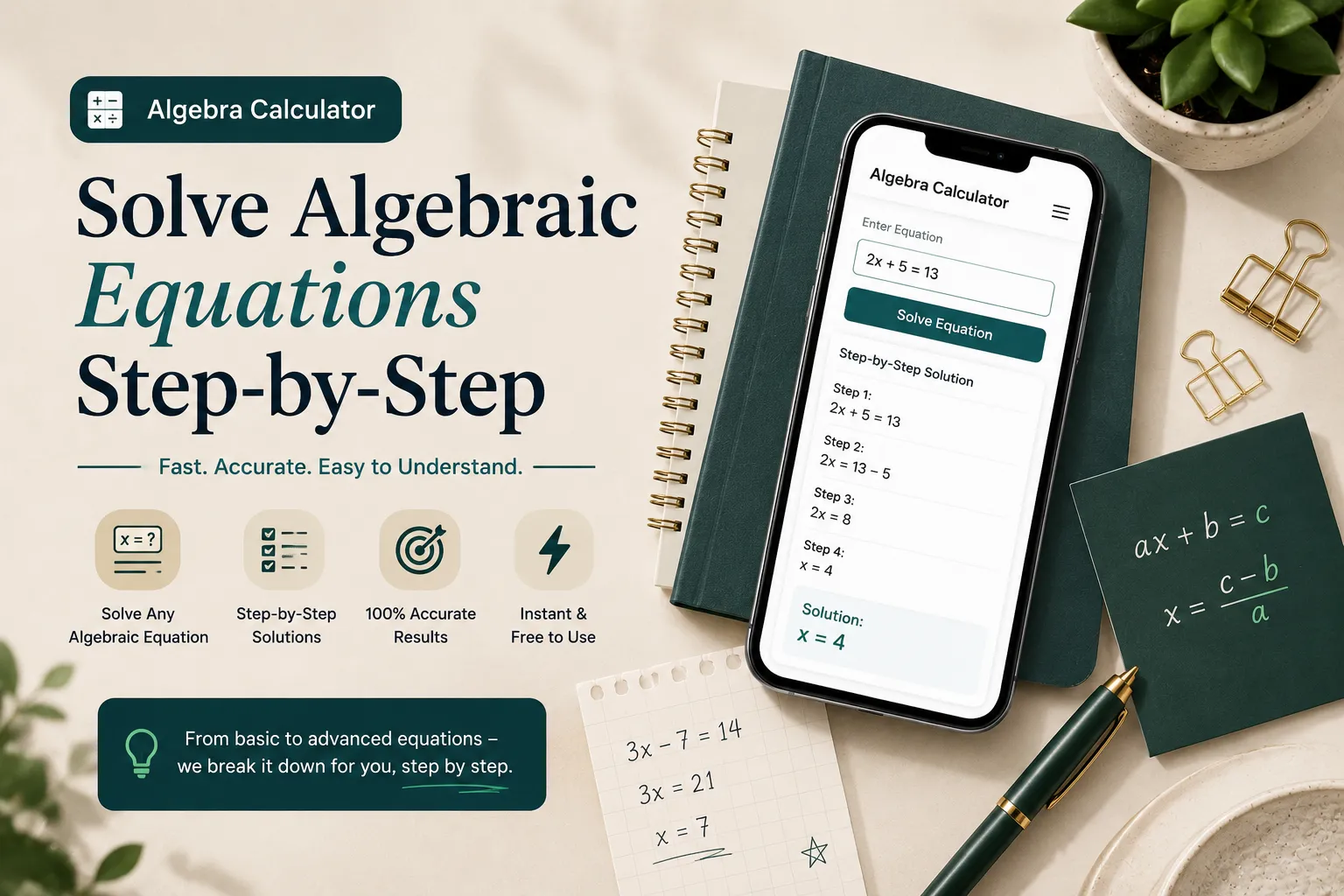
Use our free Algebra Calculator with step-by-step solutions, graphing, fractions, and equation solver. Solve algebra problems instantly online in 2026.
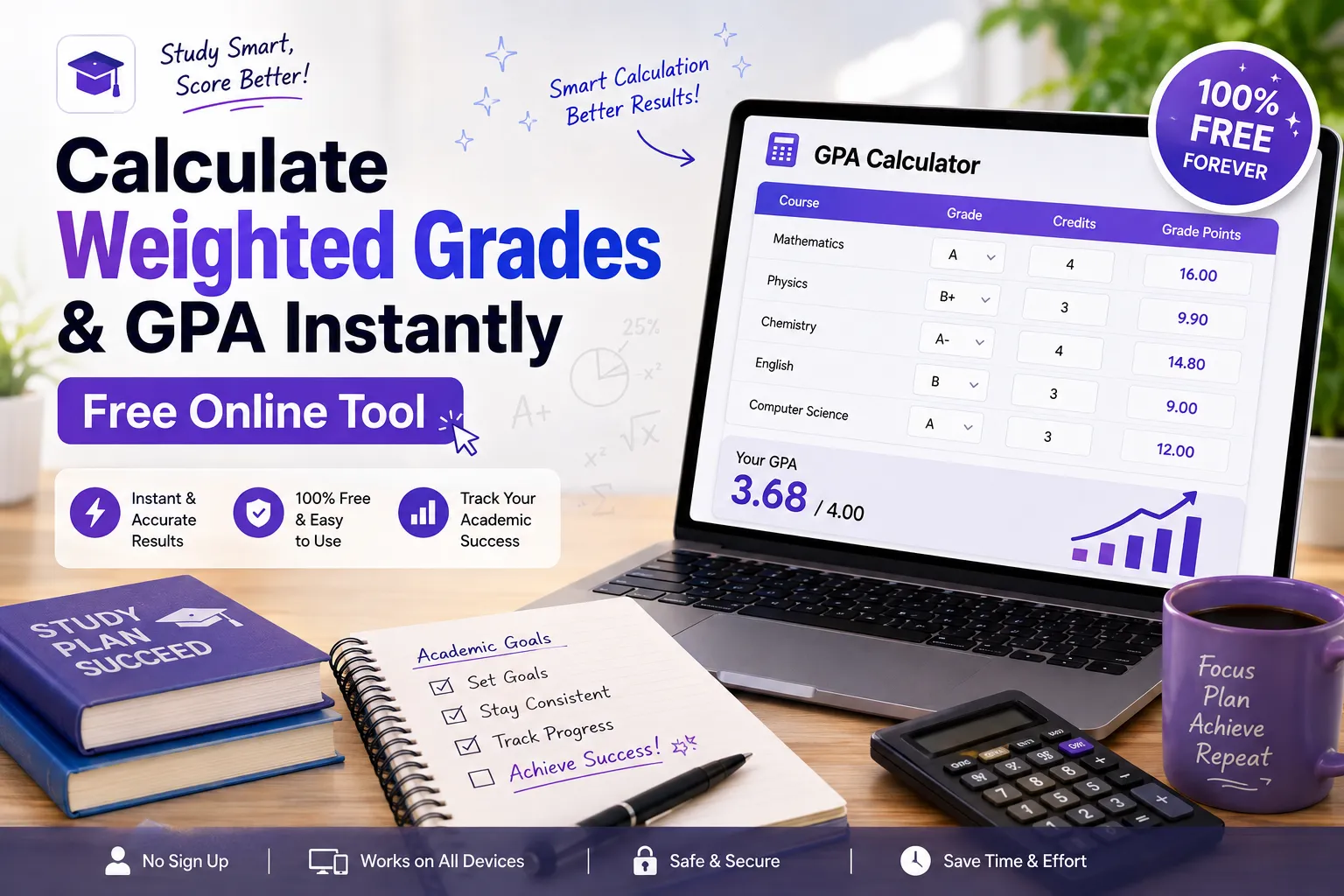
Use our easy weighted grade calculator to find your GPA and final score fast. Enter grades, weights & get instant results free for students.
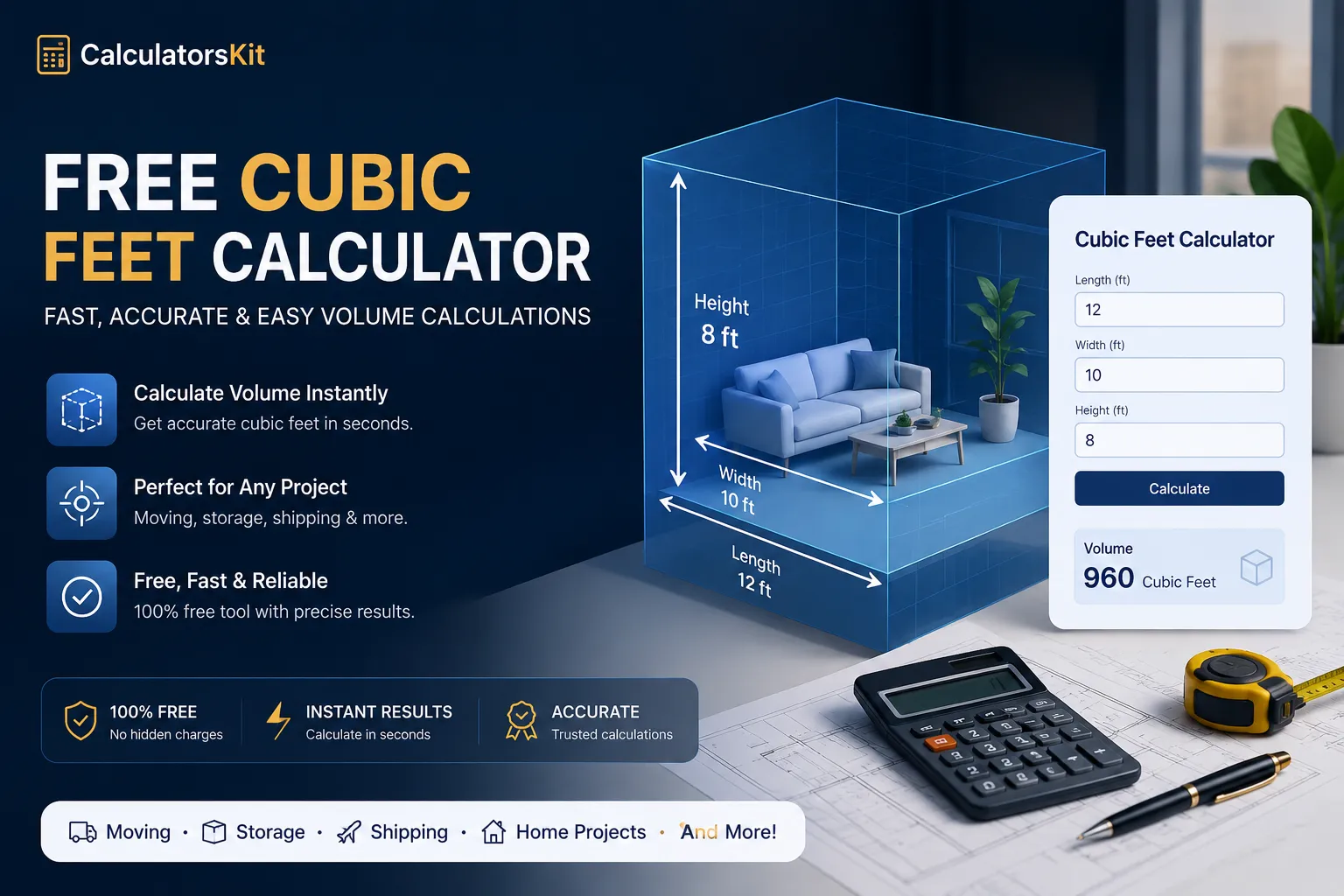
Use our free cubic feet calculator to calculate box, tank, wood, soil, and storage volume accurately from feet, inches, or cm.