
Diddy Blud on the Calculator: Origin, Meaning and Viral Trend Explained
Discover the Diddy Blud calculator meme origin, meaning, song, viral numbers, Roblox ID, and why the Einstein calculator trend exploded online.
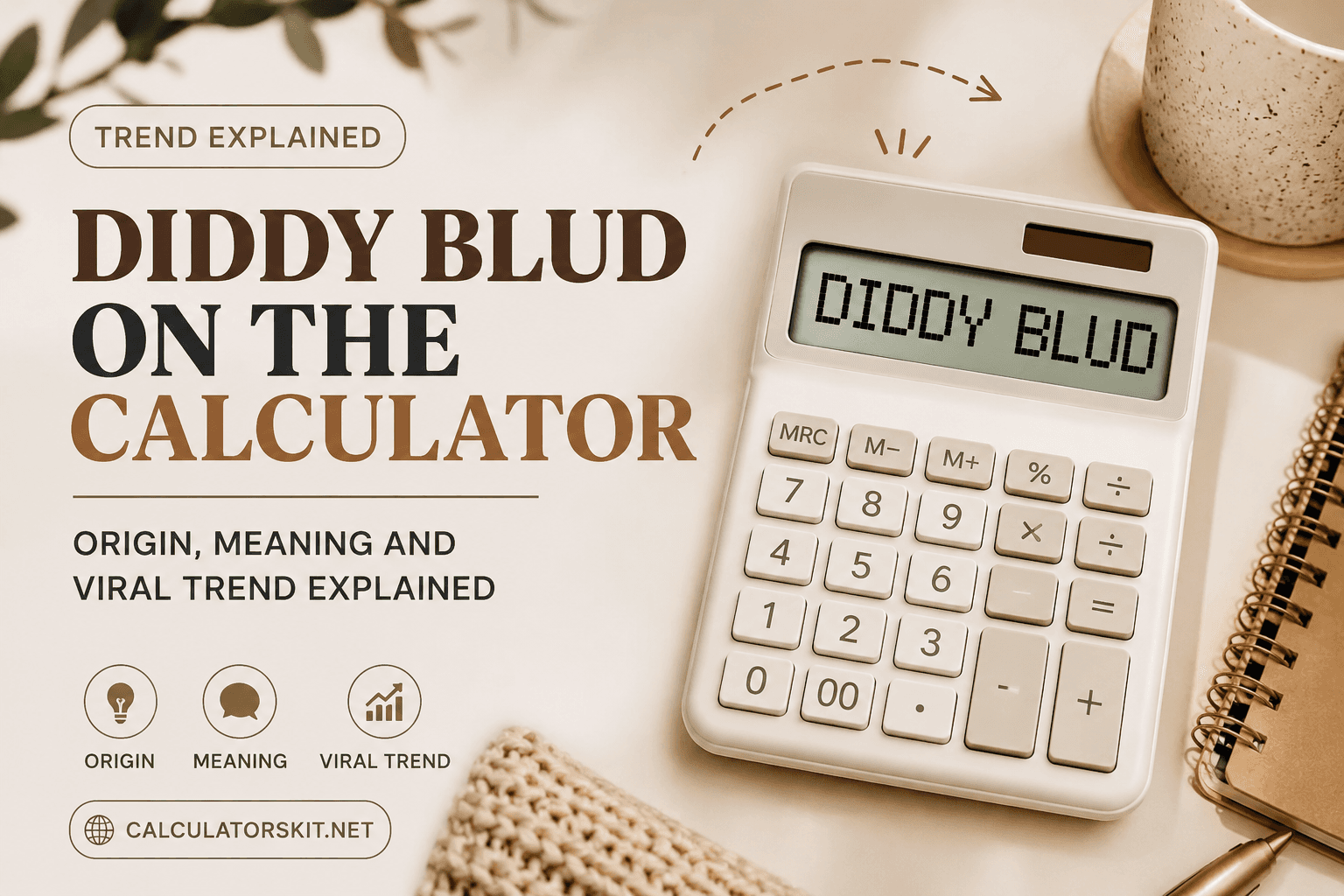
If you have scrolled TikTok or Instagram Reels since late 2025, you have probably run into a strange video: a black-and-white photo of Albert Einstein staring at an iPhone calculator, while a distorted AI voice asks, over and over, "What is this, Diddy blud, doing on the calculator?" Is blud Einstein? That clip has spawned thousands of remixes, soundboards, gifs and copycat videos. This guide breaks down where the diddy blud on the calculator trend came from, what it means, why it spread so fast, and how to use it correctly if you want to make your own version.
What Does Diddy Blud on the Calculator Actually Mean
The phrase breaks into two pieces that only make sense once you know their history.
Blud is British and Caribbean slang for friend, mate or bro. Language trackers trace it back to blood brother, with some tying it to gang slang that later got adopted into UK street talk and spread online through drill and grime culture.
Diddy blud is the newer, sharper piece. It surfaced on X in November 2024 during the Kendrick Lamar and Drake rap feud, where users called out artists they saw as suspicious by comparing them to Sean Combs, better known as Diddy, whose federal criminal case had brought his name into constant online discussion. Calling someone a Diddy blud became shorthand for saying they're acting shady, without spelling it out directly.
By mid-2025, the insult had drifted into a general-purpose punchline. Once it landed inside the Einstein and calculator format, the words stopped carrying literal meaning. Nobody watching believes the calculator user is dangerous. A serious phrase gets pasted onto the most boring possible scene, and that mismatch is the entire joke.
Where the Diddy Blud Calculator Trend Actually Came From
The format went through several distinct stages before it looked the way it does today.
November 2024, the insult spreads. Diddy blud first appeared during online arguments about the Kendrick Lamar and Drake rap feud, spreading as copypasta text across thousands of replies.
June 2025, sigma phonk edits. A separate trend of ironic sigma male edits, set to aggressive phonk music, poked fun at grindset culture using dramatic photos of historical figures, Einstein included.
August 2025, the AI song appears. An Instagram account posted the first known version pairing an AI-generated voice with the Einstein and calculator visual, asking if Diddy blud thought he was Einstein.
September to October 2025, TikTok locks in the format. Creators sped the track up, added number punchlines, and introduced Nikola Tesla alongside Einstein, fixing the structure most people now recognize.
Late 2025 into 2026, full remix mode. Creators swapped Einstein for Tesla and Khaby Lame, translated the lyrics into Spanish and Russian, and rebuilt the track in genres from classical to pop.
Why Einstein and a Calculator Became the Visual Hook
The comedy runs on a simple contrast. Einstein represents the peak of human intelligence, and a calculator is the most basic tool imaginable. Placing a genius in front of a device that does simple arithmetic for him is funny on its own, then the lyrics pile an unrelated, oddly serious accusation on top.
There is a practical, creator side to this too. The video is built like a suspense loop, with the music building while the calculator display fills with digits, and viewers stay to see the final number land. That is the same retention trick used in countdown videos and reveal-style marketing, worth understanding even outside meme accounts, since a clear buildup toward a reveal keeps average watch time high, which platform algorithms tend to reward with extra reach. If you actually need a working calculator rather than a meme prop, tools like CalculatorsKit's free online calculators handle real math, budgeting, and science calculations instantly.
The Diddy Blud Calculator Song Explained
Many people searching for the Diddy Blud on the calculator song assume there is one official track by a named artist. There is not. The audio was generated using AI music tools, most likely Suno or Udio based on the vocal delivery, and no verified musician or label has claimed it as an original release.
Because it is AI-generated and community-remixed, there are dozens of competing versions rather than one canonical original song, from sped-up cuts to full genre rebuilds in phonk, trap, classical, and pop. For the full song, the TikTok sound page on the earliest viral clips, or the Know Your Meme entry that documents and links the posts which started each wave, are the most reliable starting points. Since ownership is unclear, treat the track as a meme sound for personal use, not a monetized campaign.
What the Numbers 67, 41 and 61 Mean in the Meme
Almost every version of the video ends with the calculator landing on a specific number, most often 67, sometimes 41 or 61. These numbers are not a hidden code and are not tied to any real equation. They are borrowed from separate viral number memes already popular on TikTok before the calculator trend existed.
Creators layer one meme on top of another so viewers get a small hit of recognition from multiple trends at once, a common brainrot technique worth knowing if you make short-form content. Stacking a familiar punchline from one trend inside a different format often performs better than either trend alone, because the audience gets two jokes for the price of one video. If the numbers have you curious about real calculations instead, a straightforward percentage calculator is a far more reliable place to get an actual answer.
Diddy Blud on the Calculator on Roblox: Finding the Audio ID
Many players want to drop this sound into a Roblox game using its audio ID number. Be careful here. Roblox actively removes audio that violates its community rules, and AI-generated clips referencing a real, named individual are a common takedown target, so any specific ID published today can be dead within weeks.
Instead of trusting a random number from a comment section, search directly inside Roblox Studio's audio library using the exact meme name, or filter the Roblox audio catalog by upload date for recent, active uploads. Avoid any external site that asks for your Roblox login to reveal an ID, a well-known phishing pattern.
Chords, Piano and Sheet Music: Can You Actually Play It
There is no official sheet music for this track, because the song has no registered composer and no publisher, though piano and guitar creators have posted by-ear covers on YouTube and TikTok. If you want to learn it yourself, open a chord detection app and let it identify the root notes measure by measure. Most phonk and trap backing tracks, which this song borrows from, loop a short minor progression, so isolate the repetitive 808 bass line first, and the rest tends to fall into place. Treat any tutorial you find as one person's interpretation, not a verified transcription.
Where to Find the Original Video, GIF, and Mp3 Clips
The safest sources are the platforms where the meme actually lives. TikTok and Instagram Reels host the original creator posts, and Know Your Meme keeps a running archive of the earliest confirmed versions with direct links and dates, the most reliable way to confirm an original clip versus a later remix. For a downloadable mp3, soundboard sites package shortcuts for streamers, and GIF hosting platforms let you search the meme name directly. Avoid any site that forces multiple pop-ups or extra downloads before letting you save a file.
Step by Step: How to Make Your Own Diddy Blud Calculator Video
Pick your source photo. Einstein is the original, but Tesla and Khaby Lame are common alternatives that still land the joke.
Record a plain screen capture of a calculator app, entering numbers slowly enough that the buildup feels intentional.
Overlay the chosen photo on the calculator recording, keeping it mostly still so attention stays on the numbers.
Add the trending sound from the platform's built-in sound library rather than uploading your own file, so your video stays eligible for that sound's reach.
Time the video so the final number appears right as the hook line lands, since payoff timing makes or breaks this format.
Add two or three relevant tags such as the meme name and the number used, since accurate tagging helps discovery more than unrelated trending tags.
Common Mistakes People Make With This Trend
Aiming the Diddy blud insult at a specific real person outside the meme format, which can read as harassment rather than humor.
Posting the meme from a brand account without understanding its tie to an active real-world legal case.
Assuming one original creator to credit, when the format evolved through several creators across three platforms.
Reposting the same version instead of adding a fresh angle, since algorithms tend to favor originality over duplicates.
Downloading audio from unofficial file-sharing sites instead of the platform's built-in sound button.
Is Diddy Blud on the Calculator Offensive? Where the Meme Sits Culturally
It is worth being honest about the real-world context here. Sean Combs was tried in federal court in 2025 on charges including racketeering conspiracy and sex trafficking. The jury acquitted him of those two most serious charges but convicted him on two counts of transportation to engage in prostitution, and he was sentenced in October 2025, with several related civil cases still active.
The Diddy blud meme format uses his name as shorthand for suspicion without making any literal claim about the person shown in the video. Supporters see it as pure, detached absurdist nonsense. Critics point out that building comedy around real allegations of serious harm can trivialize what real people experienced. Both reactions are reasonable, so keep that context in mind before using the format in a professional or public-facing setting.
Conclusion
Diddy blud on the calculator shows how quickly internet humor can travel from a targeted insult, through an unrelated music trend, into an absurdist format with no fixed meaning left at all. There is no single canonical source; the humor depends entirely on the mismatch between a genius and a basic calculator, and the safest way to enjoy or use the trend is to keep it inside the same lighthearted, detached space where it started, while staying aware of the real legal case its name references.
Frequently Asked Questions
Q: What is the Diddy blud on the calculator meme?
A viral internet trend built around an AI-generated song and video showing a photo of Albert Einstein next to a phone calculator, paired with lyrics questioning why this blud, meaning bro, is acting suspicious while typing numbers.
Q: What does Diddy blud mean?
Online slang for someone acting shady or predatory, built from the British slang word blud, meaning friend, combined with Sean Combs' nickname Diddy, referencing his 2025 federal criminal case.
Q: Where can I find the original Diddy blud calculator song?
There is no single official release. The earliest confirmed version appeared on Instagram in August 2025, and Know Your Meme maintains a timeline linking the posts that started each wave of the trend.
Q: Is there an official Diddy blud calculator Roblox ID?
No fixed ID stays reliable for long, since Roblox regularly removes audio tied to real people. Search the current audio library inside Roblox Studio for the most up-to-date upload.
Q: Are there real chords or sheet music for the song?
No, since the track has no registered composer. Some creators have posted by-ear piano and guitar covers, but these are personal interpretations, not verified transcriptions.
Q: Why does the meme always end on a number like 67?
The number is a callback to separate, already popular numeric memes on TikTok, layered into the calculator format so the video delivers two jokes at once.
Related Articles

See how long your savings can last in retirement. Calculate withdrawals, inflation, taxes, and returns with real $750K and $2M examples.
Calculate standard error quickly with formulas and examples. Learn SE for means, proportions, two samples, confidence intervals, Excel, and Casio.
Calculate productivity percentage instantly using billable and paid minutes. Learn lunch, concurrent therapy, targets, formulas, and billing units.

Calculate USPS mail delivery time by ZIP code. Compare First-Class, Ground Advantage, Priority Mail, and Express delivery estimates easily.