
How to Calculate Exact Age from Date of Birth (Excel, SQL & C# Guide)
Learn how to calculate exact age from date of birth using Excel, SQL, and C#. Get accurate formulas, examples, avoid common mistakes, and calculate age for any date.
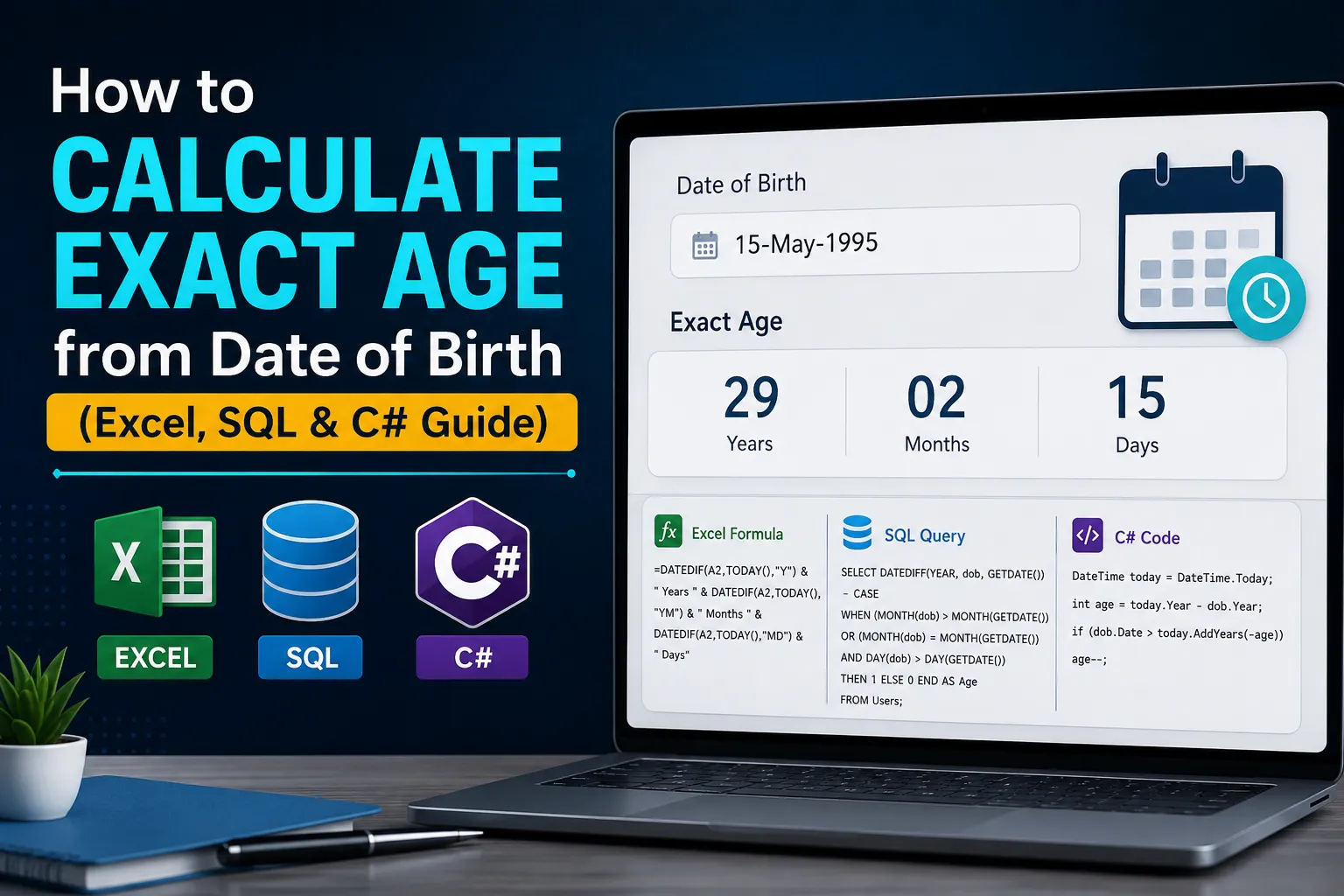
Why Subtracting the Years Does Not Work
The most common age calculation mistake, in every language and tool, is this line of logic: current year minus birth year. It is correct for exactly one day a year, the birthday itself. Every other day, it overstates the age by one year until the birthday arrives.
Someone born on October 12, 2000, is not 26 on January 1, 2026. They turn 26 in October. A formula that only subtracts years will confidently report 26 for the first nine months, which is wrong.
For a fast answer without writing a formula, the free CalculatorsKit age calculator already applies this logic. The sections below cover the calculation inside a spreadsheet, database, or application.
The Universal Logic Behind Every Method
Every reliable age formula, on any platform, follows the same three-step logic:
Subtract the birth year from the reference year for a starting age.
Compare the birth month and day to the reference month and day.
If the birth month and day have not yet occurred, subtract one from the starting age.
Excel's DATEDIF, a correctly written SQL query, and a correctly written C# method all implement this same check. The syntax changes, the logic does not.
How to Calculate Age from Date of Birth in Excel
Basic Formula: Age as of Today
With the date of birth in cell B2, this formula returns exact age in complete years:
=DATEDIF(B2,TODAY(),"y") |
DATEDIF takes a start date, an end date, and a unit. The unit "y" returns complete years, already applying the month and day correction.
Age as of a Specific Date, Not Today
For HR records or legal cutoffs, replace TODAY() with a cell holding the reference date. If C2 holds the cutoff date:
=DATEDIF(B2,C2,"y") |
DATEDIF is undocumented in the function list but fully supported. Microsoft's DATEDIF reference documents a known issue with the "md" argument, which can return a small inaccurate value in rare month length combinations. Test it against your own dates before relying on it in a report.
How to Calculate Age from Date of Birth in SQL
Most tutorials get this wrong. A plain DATEDIFF counts calendar year boundaries crossed, not full elapsed years, so it overstates age before the birthday. The correct query adds a correction:
SELECT DATEDIFF(YEAR, birth_date, GETDATE()) - CASE WHEN (MONTH(birth_date) > MONTH(GETDATE())) OR (MONTH(birth_date) = MONTH(GETDATE()) AND DAY(birth_date) > DAY(GETDATE())) THEN 1 ELSE 0 END AS exact_age FROM employees; |
Age as of a Specific Date in SQL
Replace GETDATE() with a fixed date or a column holding the reference date, such as a policy start date:
DATEDIFF(YEAR, birth_date, '2026-08-03') - CASE WHEN (MONTH(birth_date) > 8) OR (MONTH(birth_date) = 8 AND DAY(birth_date) > 3) THEN 1 ELSE 0 END AS exact_age |
The Microsoft Learn DATEDIFF reference confirms DATEDIFF counts boundaries crossed, which is exactly why the CASE correction above is necessary for a genuinely exact age.
How to Calculate Age from Date of Birth in C#
C# has no built-in age function, so the logic is written directly:
DateTime birthDate = new DateTime(1998, 5, 20); DateTime referenceDate = DateTime.Today; int age = referenceDate.Year - birthDate.Year; if (birthDate.Date > referenceDate.AddYears(-age)) { age--; } |
To calculate age as of a specific date instead of today, replace DateTime.Today with any DateTime value, such as a contract date. The comparison logic does not change.
See the official System.DateTime documentation for the full set of DateTime members, including AddYears and the Date property used above.
Formula to Calculate Age on a Specific Date
Most people searching for an age formula do not want today's date. They want age as of a hire date, a policy renewal, or a legal deadline. Every method above supports this: replace TODAY(), GETDATE(), or DateTime.Today with the specific date you need.
A practical pattern for many records: store the reference date in its own column or cell instead of hardcoding it. This lets you recalculate age as of any cutoff by changing one value.
For a single one-off check against a specific date, without opening a spreadsheet, the free CalculatorsKit date calculator does the same reference date math instantly.
Common Mistakes in Spreadsheets and Code
Using DATEDIFF(YEAR, ...) in SQL without the correction, overstating age before the birthday
Hardcoding a birth date of February 29 without testing, since date libraries handle it differently
Storing a calculated age as a static number, so it goes stale after the next birthday
Mixing DateTime.Now and DateTime.Today in C#, which can shift the day boundary
Assuming Excel date formats match across regions, since day-first can be misread elsewhere
Checklist: Choosing the Right Method
Match the method to where the calculation needs to live.
Method | Best For | Handles Specific Dates | Skill Needed |
|---|---|---|---|
Manual subtraction | One-off checks | Yes, with care | None |
Excel DATEDIF | Spreadsheets, HR lists | Yes, swap TODAY() | Basic formulas |
SQL DATEDIFF | Databases, bulk records | Yes, swap GETDATE() | Basic SQL |
C# DateTime | Applications, APIs | Yes, any DateTime value | Basic programming |
Online calculator | Quick answers, no setup | Yes, most tools support it | None |
Conclusion
Every accurate age calculation, in a spreadsheet, database, or application, comes down to the same three-step logic: subtract the years, then check whether the birthday has actually happened. Miss that second step and the result is wrong most of the year, not just on rare edge cases.
Before shipping any age calculation, run through these steps:
Test against a date where the birthday has not happened yet this year
Confirm whether you need age today or a specific reference date, and use a variable
Check February 29 birth dates explicitly if your data includes any
Recalculate rather than store the result, so the value never goes stale
Frequently Asked Questions
Q: How do I calculate exact age from date of birth?
Subtract the birth year from the current year, then subtract one more if the birth month and day have not yet occurred. Excel, SQL, and C# all apply this same correction internally.
Q: How do I calculate exact age from date of birth in Excel?
Use =DATEDIF(B2,TODAY(),"y") where B2 holds the date of birth. This returns complete years and already accounts for whether the birthday has passed.
Q: How do I calculate exact age from date of birth in C#?
Subtract the birth year from the reference year, then subtract one if the birth date has not yet occurred, using DateTime.Date comparisons as shown above.
Q: How do I calculate exact age from date of birth in SQL?
Use DATEDIFF(YEAR, birth_date, GETDATE()) with a CASE statement checking whether the birth month and day have occurred yet, since plain DATEDIFF overstates age before the birthday.
Q: What is the formula to calculate age on a specific date?
Replace today's date with the reference date in any method: DATEDIF(B2, C2, "y") in Excel, DATEDIFF against a fixed date in SQL, or a chosen DateTime value in C#.
Q: How do I calculate age from date of birth to a specific date, not today?
Store the target date in its own cell, column, or variable, then use it in place of TODAY(), GETDATE(), or DateTime.Today.
Q: How do I calculate age from birth date in Excel based on another column?
Reference that column's cell inside DATEDIF, for example =DATEDIF(B2, C2, "y") where C2 is the specific date column rather than TODAY().
Q: Why does my DATEDIF formula in Excel show the wrong number of days?
The "md" argument has a documented rounding issue in certain month length combinations. Cross-check against a full DATEDIF("y") plus DATEDIF("ym") breakdown.
Q: Why does my SQL age calculation show one year too many?
Plain DATEDIFF(YEAR, ...) counts calendar year boundaries crossed, not full elapsed years. Add the month and day CASE correction shown above.
Q: Can I calculate age without knowing the exact birth day, only the month and year?
Not precisely. Every method here needs a full date to apply the month and day correction. Without the day, a dedicated age difference calculator can only give an estimate.
Related Articles
Calculate your exact age from your date of birth instantly. Free Age Calculator with years, months, days, birthday countdown, and leap year accuracy.
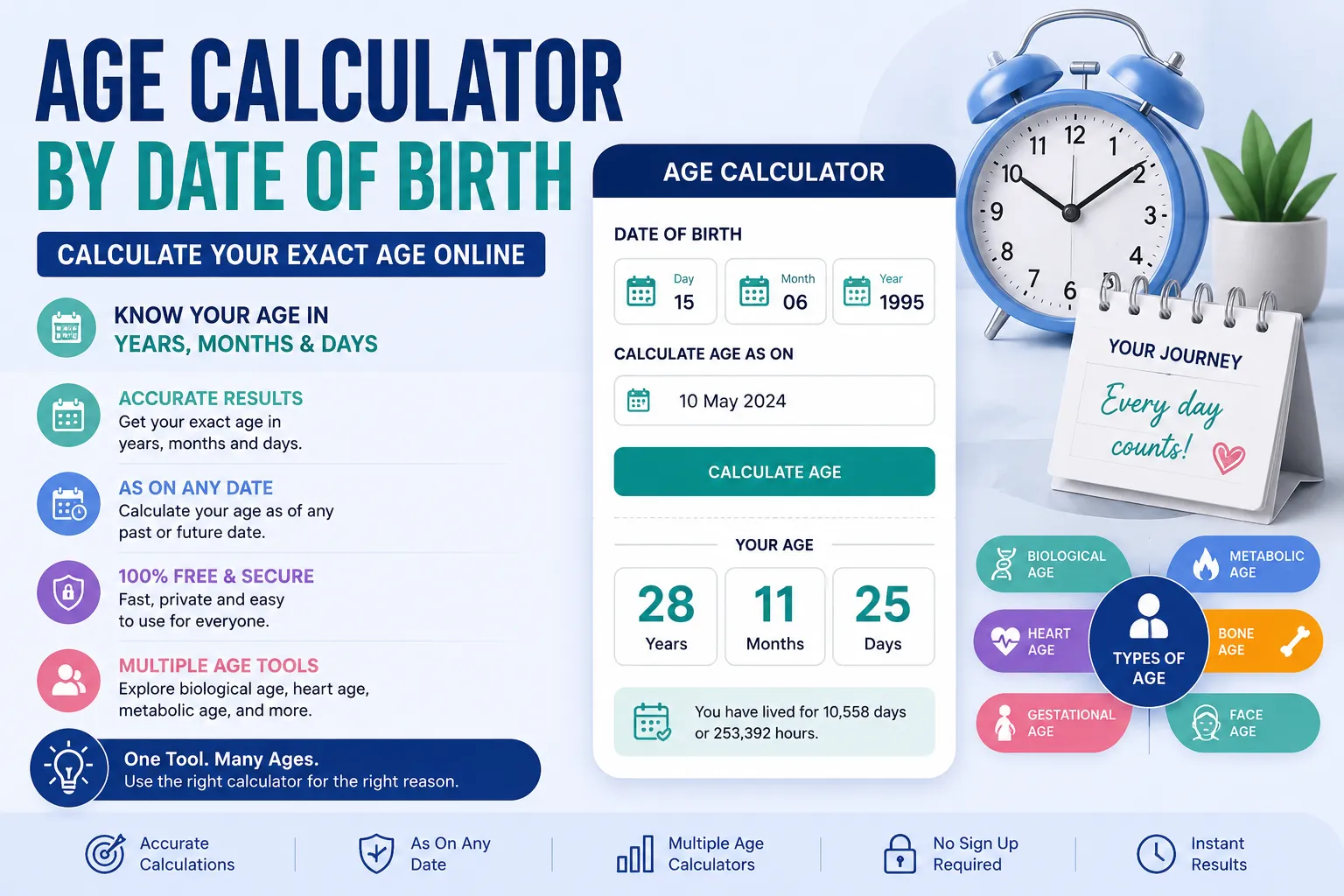
Calculate your exact age online by date of birth. Find your age in years, months, and days, or calculate age as of any past or future date.

Learn how to calculate age by DOB accurately with simple formulas, Excel DATEDIF, and SQL. Find your exact age today or on any specific date.

See how long your savings can last in retirement. Calculate withdrawals, inflation, taxes, and returns with real $750K and $2M examples.