
How to Calculate WhatsApp Business API Pricing: The Complete 2026 Formula
See WhatsApp API pricing in 2026, cost per message, Meta fees, BSP markups, Pakistan rates, and how to calculate your monthly WhatsApp API cost.
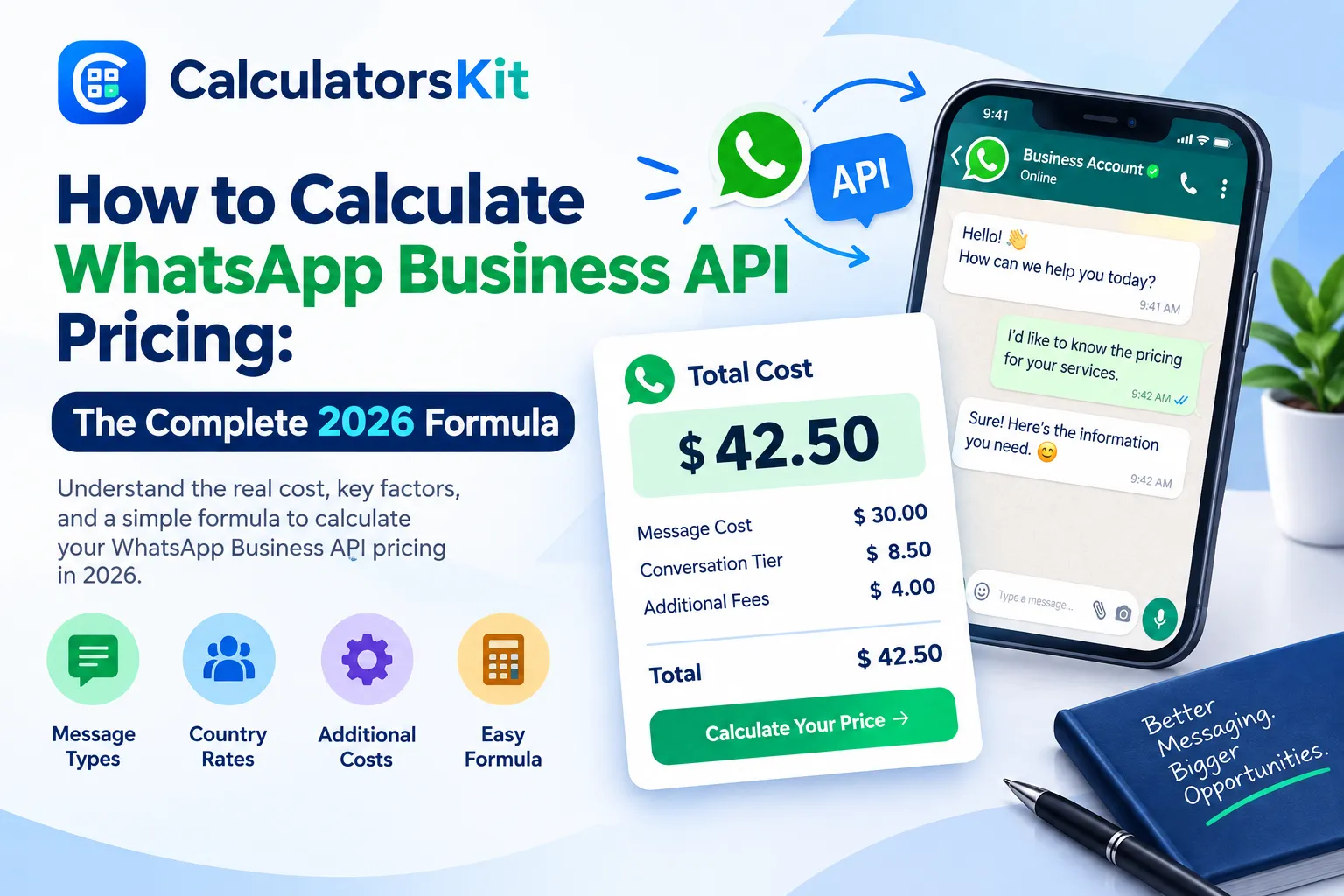
To calculate WhatsApp Business API pricing, multiply the number of messages you send in each category marketing, utility, or authentication) by Meta's rate for the recipient's country, then add your BSP's monthly platform fee and per-message markup. Replies sent inside an open 24-hour customer window cost nothing.
What WhatsApp Business API Pricing Actually Means
WhatsApp Business API pricing is not a flat monthly subscription the way a typical SaaS tool works. It is a usage-based cost made up of two separate layers. The first layer is Meta's own fee, charged per delivered message, based on the message category and the recipient's country. The second layer is your Business Solution Provider fee, the platform you use to actually send messages, manage templates, and view analytics, since Meta does not sell raw API access directly to most businesses.
Since July 2025, Meta moved away from billing per 24-hour conversation and now bills per individual template message delivered. That single change is the reason many businesses saw their bills shift, sometimes lower for low-frequency senders and sometimes higher for businesses that send several template messages inside one customer relationship.
How Meta Prices WhatsApp Messages in 2026
Every outbound template message you send falls into one of three paid categories, plus a fourth category that is normally free.
Category | Typical Use | Cost Behavior |
|---|---|---|
Marketing | Promotions, offers, broadcasts, cart reminders | Highest rate, not eligible for volume discounts |
Utility | Order updates, delivery status, payment reminders | Lower rate than marketing, can ride the free service window |
Authentication | OTPs and login verification codes | Usually the cheapest paid category |
Service | Free-form replies to an inbound customer message | Free inside the 24-hour window in most markets |
Two free windows matter for your calculation. Inside the 24-hour customer service window, which opens the moment a customer messages you, replies are free in most markets. Inside the 72-hour entry point window, which opens when someone taps a Click to WhatsApp ad or a Facebook Page button, messages stay free for that period. Meta has also scheduled further changes to what counts as billable inside the service window, so confirm the current rule on Meta's official WhatsApp Business Platform pricing page before you finalize a budget.
The Formula to Calculate WhatsApp Business API Pricing
Once you understand the categories, the calculation itself is a five-step process.
List your expected monthly message volume, broken down by category and by recipient country.
Match each category and country pair to Meta's published rate. Rates differ by country calling code, not by where your business is registered.
Multiply each category's volume by its matching rate to get a category subtotal.
Add your BSP's fixed monthly platform fee, which covers the dashboard, templates, and support.
Add the BSP's per-message markup, if it charges one, multiplied by your total message volume.
Formula: Total Monthly Cost = Sum of (category volume x Meta rate for that category and country) + BSP platform fee + (total messages x BSP markup) |
This formula works the same whether you are sizing a WhatsApp pricing calculator input sheet or building your own spreadsheet. The part businesses usually get wrong is skipping the country split and using one blended rate, which either overstates or understates the real number.
Worked Example: Calculating a Real Monthly Bill
Take a business sending 5,000 marketing messages, 3,000 utility messages, and 1,000 authentication messages a month, mostly to customers in the United States, through a BSP that charges a 49 dollar monthly platform fee plus a $ 0.005 per-message markup.
Category | Volume | Meta Rate (approx.) | Subtotal |
|---|---|---|---|
Marketing | 5,000 | $0.025 | $125.00 |
Utility | 3,000 | $0.004 | $12.00 |
Authentication | 1,000 | $0.004 | $4.00 |
BSP platform fee | 1 (flat) | $49.00 | $49.00 |
BSP markup | 9,000 messages | $0.005 | $45.00 |
Adding those five lines gives a total monthly bill of roughly 235 dollars. Notice that utility and authentication messages together cost less than one fifth of the marketing line, which is why correctly classifying each template matters more than any other single decision in this calculation.
How to Calculate WhatsApp Business API Pricing in Pakistan
Pakistan falls inside Meta's Rest of Asia Pacific pricing group, and the same three category rates apply: marketing, utility, and authentication, with service replies free inside the 24-hour window. Published figures for Pakistan vary between sources because Meta updates rates periodically and some guides quote older figures or convert currency at a different exchange rate.
The safest way to calculate WhatsApp Business API pricing in Pakistan is to pull the live rate for each category directly from Meta's developer rate card documentation, or from your BSP's dashboard, then apply the same five-step formula above. Local BSPs typically bill in PKR at the prevailing exchange rate, and some, particularly newer entrants, advertise zero markup on top of Meta's base rate, which is worth comparing since a markup of even half a cent per message adds up quickly at volume. If a BSP quotes you a rate in US dollars, run it through a currency converter against the current PKR rate before comparing it side by side with a provider that already bills in PKR.
As a planning rule, treat utility and authentication messages as several times cheaper than marketing in Pakistan, the same relative gap seen in every other market, and build your order confirmations and OTPs as utility or authentication templates rather than marketing templates.
Meta Base Rate vs Twilio and Other BSPs
Meta sets the base rate, but almost every business accesses the API through a BSP, and that is where cost differences appear.
Provider | Pricing Structure | What to Check |
|---|---|---|
Meta (direct rate) | Base per-message rate by category and country | This is the floor, never the full bill |
Twilio | Meta rate plus a fixed per-message markup plus a monthly number fee | Markup is transparent but adds up fast at high volume |
360dialog, Gupshup and similar | Monthly platform fee, markup varies by plan | Compare markup per message, not just the headline plan price |
Local Pakistani BSPs | PKR billing, some at 0 percent markup | Confirm whether Meta's rate updates pass through automatically |
When comparing WhatsApp messaging API pricing across providers, ask each one for its exact markup per message and its monthly platform fee in writing. Twilio, for example, publishes its own WhatsApp pricing, which is a useful benchmark against Meta's base numbers. Run the platform fee side of the comparison through a subscription cost calculator to see the true monthly cost of each BSP plan side by side, then run the per-message side through the formula above using your own expected volume. A provider with a lower headline plan price can still cost more once markup is applied at scale.
Volume Tiers, Messaging Limits and Cost Per User
In several markets, utility and authentication rates step down once your monthly delivered volume crosses a threshold set by Meta, and these tiers reset every month. Marketing messages are explicitly excluded from tiered pricing, so the marketing rate stays the same whether you send a hundred messages or a million.
For budgeting per customer rather than per message, calculate a cost per user figure: multiply your blended rate by the average number of billable messages one active customer receives in a month. This number is more useful than a raw monthly total when you are comparing WhatsApp against other channels for customer acquisition or retention cost.
How to Find Your WhatsApp Business API and Generate Your API Key
Before you can calculate anything, you need working API access. Here is the setup path most businesses follow.
Create or sign in to a Meta Business Manager account and complete business verification with your official business documents.
Create an app inside Meta for Developers, choose the Business app type, then add the WhatsApp product from the app dashboard.
Generate a temporary access token from the WhatsApp API Setup screen for testing. It expires in about 24 hours.
For production use, go to Business Settings, create a System User with admin-level access, and assign your app and WhatsApp Business Account to it with full control.
From the System User, generate a permanent access token with the whatsapp_business_messaging and whatsapp_business_management permissions. Copy it immediately, since Meta shows it only once.
Choose whether to connect directly to Meta's Cloud API or through a BSP dashboard that adds templates, team inboxes, and reporting on top of the same underlying API key.
Keep the permanent token somewhere secure, such as an environment variable or a secrets manager, and never paste it into client-side code or a public repository.
Using a WhatsApp Pricing Calculator the Right Way
A WhatsApp pricing calculator is only as accurate as the numbers you feed it. Enter your real category split, your real country mix, and your actual BSP markup rather than a single average rate, and treat the output as an estimate. A dedicated WhatsApp API cost calculator applies the same five-step formula from this guide automatically, so you can test a few volume scenarios in minutes instead of rebuilding a spreadsheet each time. Compare the output against your first real invoice after 30 days, then adjust your inputs so future estimates track your actual spend more closely.
Common Mistakes Businesses Make When Estimating WhatsApp API Costs
Classifying a transactional message as marketing by mistake, which can multiply that message's cost several times over.
Using one global average rate instead of the recipient country's actual rate, which skews budgets for any business with an international customer base.
Forgetting to add the BSP's platform fee and per-message markup on top of Meta's published base rate.
Sending template messages instead of free replies when a customer has already opened a service window in the last 24 hours.
Broadcasting to inactive or unengaged numbers, which pays full price for messages that were never going to convert.
Budgeting against a rate card that is several months old, since Meta updates category and country rates periodically.
Conclusion
Calculating WhatsApp Business API pricing comes down to one repeatable formula: multiply your message volume by category and country against Meta's rate, then add your BSP's platform fee and markup. The businesses that overspend are almost always the ones skipping a step, misclassifying a template or budgeting against an outdated rate. Run your own numbers through the formula above, verify them against Meta's current rate card, and revisit the calculation whenever your volume, markets, or provider changes.
Frequently Asked Questions
Q: How do I find my WhatsApp Business API?
Your WhatsApp Business API is set up through Meta Business Manager and Meta for Developers, either as a direct Cloud API connection or through a BSP dashboard. If you already have access, the WhatsApp product appears inside your app dashboard under API Setup.
Q: How do I find my WhatsApp Business API key?
Your API key, technically called an access token, is generated from Meta for Developers under WhatsApp API Setup for testing, or from a System User in Business Settings for a permanent production token.
Q: How much does WhatsApp Business API cost per message?
It depends on the message category and the recipient's country. Marketing messages carry the highest rate; utility and authentication messages cost less, and service replies inside the 24-hour window are free.
Q: How much does WhatsApp Business API cost in Pakistan?
Pakistan uses Meta's Rest of Asia Pacific category rates for marketing, utility, and authentication messages. Confirm the current figure on Meta's official pricing page or your BSP dashboard, since rates are updated from time to time.
Q: Is a WhatsApp pricing calculator accurate?
A calculator is accurate only when you enter your true category split, country mix, and BSP markup. Treat any calculator output as an estimate and reconcile it against your first invoice.
Q: How much is Twilio WhatsApp pricing compared to Meta?
Twilio charges Meta's base rate plus its own fixed per-message markup and a monthly phone number fee. Always add Twilio's published markup to Meta's category rate to get your real cost.
Q: Is WhatsApp API free within 24 hours?
Free-form replies sent within the 24-hour window that opens after a customer messages you are free in most markets, though this rule is subject to Meta's ongoing policy updates.
Q: How do I calculate WhatsApp API cost per month?
Apply the formula for each category and country you send to, sum the subtotals, then add your BSP's monthly platform fee and any per-message markup for that month's total volume.
Q: What is a WhatsApp API pricing limit or volume tier?
In several markets, utility and authentication rates step down once your monthly volume crosses a Meta-defined threshold. Marketing rates do not benefit from volume tiers.
Q: How do I calculate WhatsApp API cost per user?
Multiply your blended per-message rate by the average number of billable messages one active customer receives per month to get a comparable cost-per-user figure for budgeting.
Related Articles

Learn how to calculate a car loan payment using APR, interest, loan term, trade-in, and simple formulas. See examples and avoid costly mistakes.
Calculate standard error quickly with formulas and examples. Learn SE for means, proportions, two samples, confidence intervals, Excel, and Casio.
Use a free overtime calculator to calculate overtime pay from an hourly or monthly salary. Learn formulas, rates, Pakistan rules, and common mistakes.
Learn how to calculate age by DOB accurately with simple formulas, Excel DATEDIF, and SQL. Find your exact age today or on any specific date.