
Productivity Calculator: Calculate Work & Therapist Productivity Fast
Calculate productivity percentage instantly using billable and paid minutes. Learn lunch, concurrent therapy, targets, formulas, and billing units.
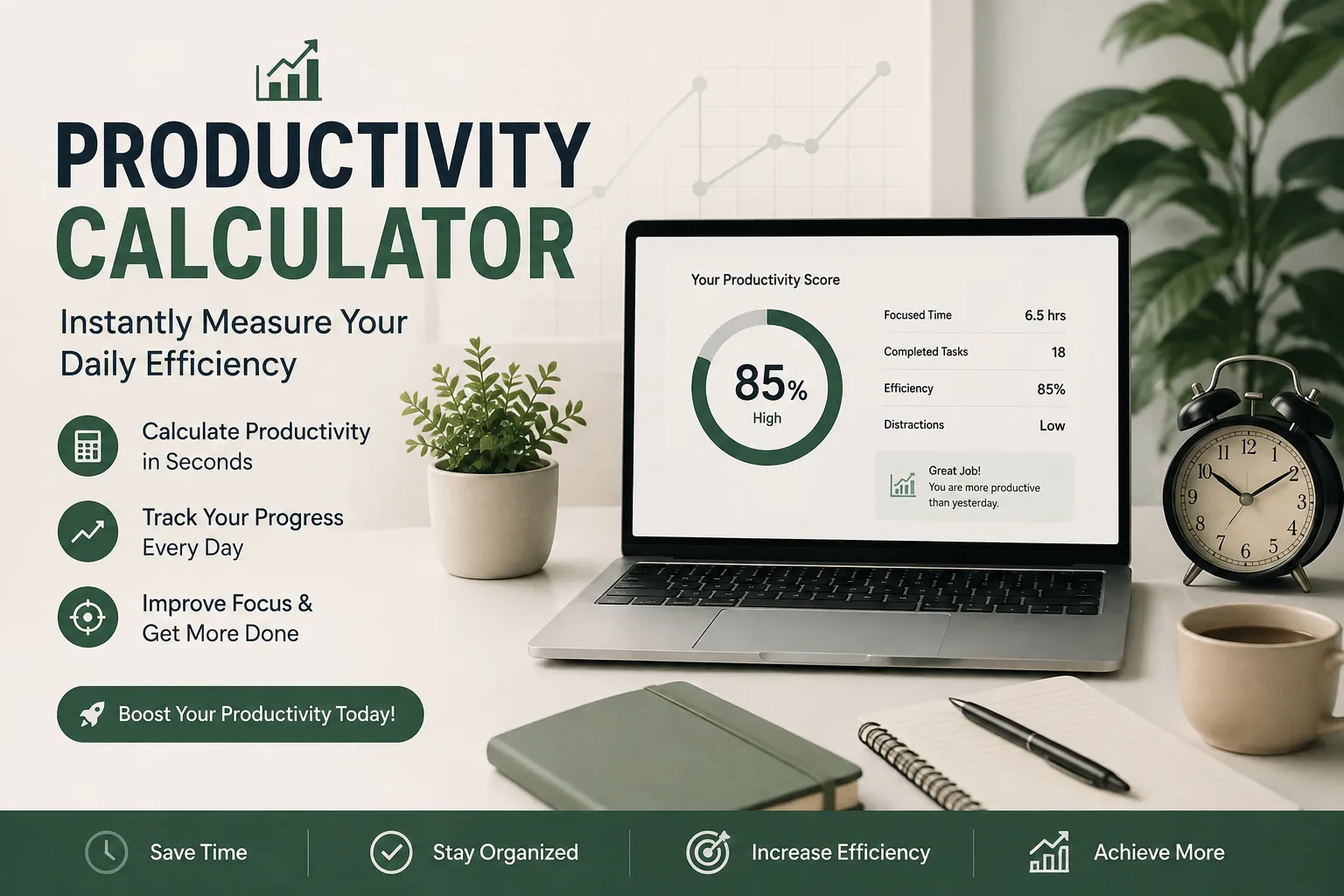
A productivity calculator turns a simple question how much of your paid time was actually spent on billable work into one clean percentage. That sounds basic until you try to calculate it correctly. Most people get tripped up by three things: whether lunch counts, how concurrent or group sessions get credited, and what “total time” even means once documentation, meetings, and travel are added in. This guide covers the general formula anyone can use, the specific version rehab professionals (PT, OT, SLP, and assistants) rely on daily, how lunch breaks and concurrent therapy change the math, and a framework for planning your day around a target. For a fast answer, a tool like the calculators at CalculatorsKit runs this instantly, but understanding the formula is what stops you from trusting a number that is wrong for your setting.
What a Productivity Calculator Actually Measures
A productivity calculator compares two numbers: time spent on billable, outcome-producing work, and total time you were paid to be there. The result shows how efficiently paid hours convert into work that generates revenue or clinical value. This applies broadly: a freelancer tracks billable hours against total hours, a call center tracks talk-time against shift length, but the strictest-rules use case is therapy: PT, OT, and SLP, where productivity has defined formulas and real financial consequences. The rest of this guide goes deep on that use case while keeping the math useful for any job.
The Core Productivity Formula (Any Job, Any Industry)
Productivity % = (Billable or Output Minutes ÷ Total Paid Minutes) × 100
Example: an 8-hour shift (480 minutes) with 360 minutes of direct, billable output gives (360 ÷ 480) × 100 = 75%. Simple in theory, the complexity comes from correctly defining what belongs on each side, which is exactly where the therapy-specific version below adds precision.
Productivity Calculator for Therapists: The Formula Rehab Teams Actually Use
In PT, OT, and SLP, productivity has a standard definition used by rehab directors and billing departments across SNFs, outpatient clinics, home health agencies, and hospitals:
Productivity % = (Total Billable Minutes ÷ Total Paid Minutes) × 100
Total Billable Minutes: direct, reimbursable patient care individual treatment sessions, evaluations, re-evaluations, and, depending on facility policy, concurrent or group therapy.
Total Paid Minutes: time on the clock minus any unpaid breaks. Documentation, team meetings, and travel between patients are usually paid but non-billable, so they stay in the denominator even though they are not billable output.
Worked Examples
SNF occupational therapist: 35-hour week (2,100 minutes), 1,800 billable minutes. Productivity = (1,800 ÷ 2,100) × 100 = 85.7%, right on target for typical SNF expectations of 85–90%. Outpatient physical therapist: 40-hour week (2,400 minutes), 2,100 direct-care minutes. Productivity = (2,100 ÷ 2,400) × 100 = 87.5%, inside the typical outpatient range of 80–90%.
Does Lunch Break Count? The Mistake That Skews Everyone's Number
This is the single biggest source of confusion behind “productivity calculator with lunch” and “productivity calculator with lunch break” searches, and getting it wrong makes a target feel impossible to hit.
The standard rule: an unpaid lunch break is excluded from total paid minutes entirely. If you clock out for lunch, that time never enters the calculation not as billable time, not as paid non-billable time.
Worked Example
An 8-hour shift (480 minutes) includes a 30-minute unpaid lunch, so paid minutes = 450. At an 85% target, required billable minutes = 450 × 0.85 = 382.5. Using the full 480 minutes by mistake gives 408, overstating the requirement by more than 25 minutes for no reason.
A counterintuitive wrinkle: if your facility treats lunch as paid time and you work through it, paid minutes rise but billable minutes usually do not rise at the same rate, which can lower reported productivity even though you worked more. Confirm with your rehab manager whether lunch is paid or unpaid before trusting any calculator's default.
Concurrent and Group Therapy: How Minutes Really Get Credited
This is where “productivity calculator occupational therapy,” “physical therapy,” and “lunch break concurrent” searches usually lead, because concurrent and group minutes are not credited the same way as one-on-one time, and rules differ by payer and setting.
Individual therapy: one therapist, one patient, one activity counts at full value.
Concurrent therapy (SNF Part A, under PDPM): two residents treated at the same time, doing different activities, both within the therapist's line of sight. No more than two can be seen concurrently.
Group therapy (SNF Part A, under PDPM): typically up to four residents doing the same or similar activities under one therapist's supervision.
The Patient-Driven Payment Model caps combined concurrent and group therapy at 25% of a resident's total therapy minutes per discipline, across a covered Part A stay; individual therapy must make up at least 75%. Facilities are not penalized per session for exceeding it, but CMS flags non-compliance, so most rehab directors treat the cap as a hard rule. Full detail is available from APTA's PDPM guidance and Noridian's concurrent and group therapy rules.
PDPM-Adjusted Productivity Formula
For mixed-delivery settings, many rehab teams calculate adjusted minutes before running the productivity formula:
Adjusted Minutes = Individual + (Concurrent ÷ 2) + (Group ÷ Group Size)
Example: 200 individual minutes, 60 concurrent minutes, and 80 group minutes with a group of 4 gives 200 + 30 + 20 = 250 adjusted minutes. Use that figure, not the raw total, if your facility credits concurrent and group time at reduced value. Medicare Part B has no “concurrent” category — simultaneous treatment there is billed as group therapy under CPT 97150 — so confirm which billing model applies before adjusting.
Productivity Benchmarks by Setting
Targets vary by employer, region, and payer mix. Use these as reference ranges, not fixed rules:
Setting | Typical Target | Why it differs |
|---|---|---|
Skilled Nursing Facility (SNF) | 85–95% | Scheduled treatment blocks and facility-based care leave less non-billable time. |
Outpatient clinic | 80–90% | Documentation and patient scheduling gaps eat into the day. |
Acute care/hospital | 60–75% | Patient availability, medical complexity, and travel between units slow throughput. |
Home health | 60–80% | Drive time between homes is paid, but not billable, so ranges vary widely. |
School-based practice | 70–80% | IEP meetings and consultations are required, paid, and non-billable. |
From Minutes to Units: The Medicare 8-Minute Rule
A related but separate calculation covers “productivity calculator units” searches: converting timed treatment minutes into billable units. A therapist needs at least 8 minutes of a timed service to bill one unit, with each additional unit requiring roughly 15 more minutes:
Billing Units | Timed Minutes Required |
|---|---|
1 unit | 8–22 minutes |
2 units | 23–37 minutes |
3 units | 38–52 minutes |
4 units | 53–67 minutes |
This is a billing calculation, not a productivity calculation. Productivity shows how efficiently your day was used; the 8-minute rule shows how many units that time supports for reimbursement. Keep them as separate steps rather than one number.
Free Productivity Calculator Tools: App, Excel, and GitHub Options
Searches for “productivity calculator app,” “free,” “excel,” and “github” point to the same need with three different solutions:
Web-based calculators: fastest for a single daily number: enter start time, billable minutes, and target to get total time needed and a clock-out time. A free tool like CalculatorsKit works well here since there's no login or spreadsheet setup involved.
Excel or Google Sheets: best for ongoing tracking, with a formula column like =(B2/C2)*100 to avoid manual math errors.
GitHub / open-source scripts: suited to developers embedding the logic into an internal tool or EMR add-on, with a configurable formula since rules vary by facility.
Accuracy depends entirely on how correctly billable minutes, paid minutes, and lunch handling are defined for your specific facility, regardless of which tool you use.
A Practical Framework: Planning Your Day Around a Productivity Target
Waiting until the end of a shift to check your number is the most common way to fall short. Build the check into your day instead:
Calculate required minutes before your first patient. Multiply paid minutes (shift length minus unpaid lunch) by your target percentage.
Check your running total at the midpoint of your shift. Falling behind by the halfway mark still leaves time to adjust the schedule.
Protect documentation time deliberately. Subtract required billable minutes from total paid minutes to see exactly how much time is left for notes and coordination, then guard that block.
Recalculate immediately after a cancellation or add-on. A single missed patient changes your pace for the rest of the day.
Log the final number weekly, not just daily. One low day is normal; a pattern across a week is the signal worth acting on.
Common Mistakes People Make When Tracking Productivity
Including unpaid lunch in total time worked, which inflates the denominator and makes the target harder to hit than it actually is.
Crediting concurrent or group minutes at full value when the facility credits them at a reduced rate, overstating real productivity.
Comparing a personal number against a benchmark from a different setting. SNF and school-based targets are not interchangeable.
Treating the 8-minute billing rule and the productivity formula as the same calculation, when they answer different questions.
Waiting until the last hour of a shift to check progress, removing any real chance to adjust the day.
Real-World Scenario
An OT in a skilled nursing facility has a 480-minute shift with an 85% target, meaning 408 billable minutes are required. By early afternoon, she has logged 270 minutes across six patients and has two left on her schedule. Recalculating shows two 45-minute sessions only cover 90 minutes, leaving a 48-minute gap a specific, solvable problem rather than a vague sense of falling behind- and one she can flag to her supervisor before it becomes an end-of-day surprise.
Productivity Targets and Burnout: A Practical Perspective
High targets carry a real cost. At 90% productivity on an 8-hour shift, only about 48 minutes remain for documentation, coordination, and anything unplanned, tight enough that both APTA and ASHA have stated productivity standards should never override clinical and ethical judgment. Sustainable productivity comes from protecting the minutes you already have: batch similar notes, template common evaluations, and treat any target above roughly 90% as worth a conversation with a supervisor rather than a number to grind toward silently.
Conclusion
A productivity calculator makes it easy to turn billable minutes and total paid minutes into a clear productivity percentage. For therapists, correctly handling unpaid lunch, concurrent or group therapy, and facility-specific rules is essential for an accurate result. The basic formula is simple, but the inputs must match your workplace policy.
Use your productivity percentage as a planning and tracking tool rather than simply chasing a target. Checking your progress during the day, accounting for cancellations, and protecting documentation time can help you stay productive without sacrificing clinical quality.
Frequently Asked Questions
Q: What is a productivity calculator?
A tool or formula that divides billable minutes by total paid minutes to produce a percentage showing how efficiently paid time is used.
Q: How is therapist productivity calculated?
Productivity % = (Total Billable Minutes ÷ Total Paid Minutes) × 100, where paid minutes exclude unpaid breaks.
Q: Does lunch count toward productivity?
Unpaid lunch is normally excluded from both sides of the calculation. Paid breaks may be treated differently, so confirm your facility's rule.
Q: What is a good productivity percentage for PT, OT, or SLP?
Roughly 85–95% in SNFs, 80–90% in outpatient clinics, 60–75% in acute care, and 60–80% in home health. New graduates often start lower.
Q: How does concurrent therapy affect productivity?
Under PDPM in SNF Part A settings, concurrent minutes are commonly credited at half value, and combined concurrent plus group therapy is capped at 25% of total minutes per discipline.
Q: Is there a free productivity calculator app, and can I build my own in Excel or GitHub?
Yes to both. Free web calculators handle standard, lunch-break, and concurrent scenarios without a login; Excel or Google Sheets suit ongoing personal tracking; GitHub-hosted scripts suit developers embedding the formula into a larger tool.
Related Articles
Calculate standard error quickly with formulas and examples. Learn SE for means, proportions, two samples, confidence intervals, Excel, and Casio.

Calculate USPS mail delivery time by ZIP code. Compare First-Class, Ground Advantage, Priority Mail, and Express delivery estimates easily.

Use our free cubic feet calculator to calculate box, tank, wood, soil, and storage volume accurately from feet, inches, or cm.
Use a free overtime calculator to calculate overtime pay from an hourly or monthly salary. Learn formulas, rates, Pakistan rules, and common mistakes.