
What Are Calculators? Types, Benefits, Uses, and Future Scope
Learn what calculators are, how they work, their types, uses, key features, and how to choose the right calculator for school, work, or everyday tasks.
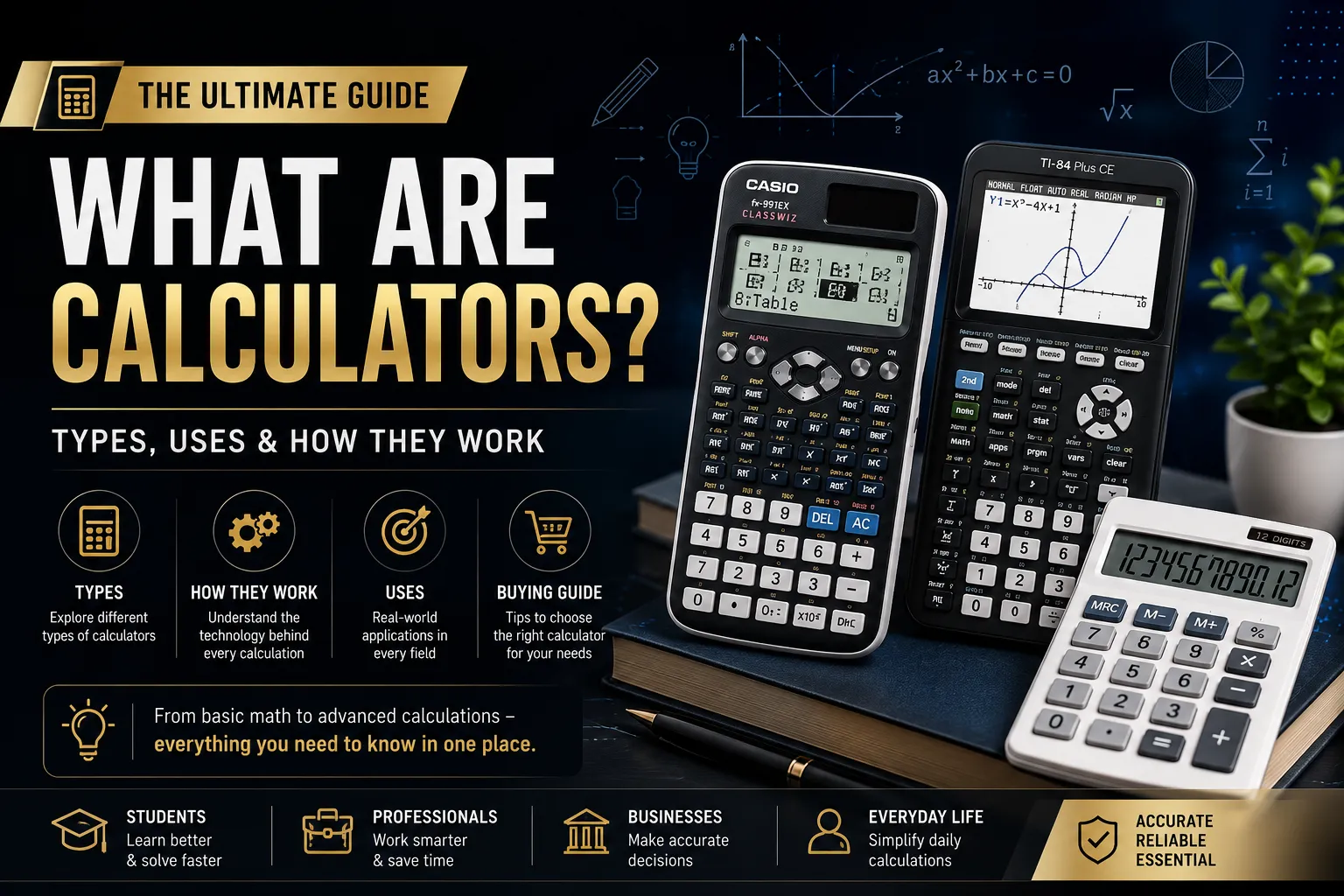
A calculator is a device or program designed to perform mathematical calculations, from simple addition to advanced scientific and financial functions, using electronic circuitry or software logic instead of manual calculation. Almost everyone has used one, yet very few people understand how a calculator actually works, what it is made of, or how to pick the right type for a specific job. This guide covers all of that in one place, with practical detail beyond a typical dictionary-style definition.
Whether you are a student choosing between a scientific and a graphing calculator, an engineer who needs CAS functionality, or someone curious about what powers the calculator app on your phone, this article covers the full picture: how calculators are built, the types available today, real-world uses, common mistakes, and where the technology is headed next.
What Are Calculators, Exactly?
At its core, a calculator is an input-process-output device. You enter numbers and operators (input), the internal circuit or software runs the logic (process), and the result appears on a screen (output). This sounds simple, but the internal process varies a lot depending on the calculator type, which is why a basic four-function calculator and a graphing calculator with CAS behave so differently even though both are called "calculators."
A calculator can be a physical handheld device, a built-in feature on a phone or computer, or a web-based or app-based tool. All three share the same core purpose: reducing manual calculation error and saving time.
What Are Calculators Made Of? (Hardware Breakdown)
A physical calculator is built from a small number of core components. Understanding them explains why cheap and premium models feel so different in daily use.
Microprocessor or integrated circuit (IC): This is the brain of the calculator. Basic calculators use a simple single-chip IC, while scientific and graphing models use a more capable microprocessor that can handle trigonometry, matrices, and programming logic.
Keypad: A rubber or plastic membrane keypad with printed circuits underneath. Higher-end calculators use better-quality domes under each key, which is why their buttons feel more responsive and last longer.
Display unit: Either an LCD (Liquid Crystal Display) or, in most modern calculators, a dot-matrix or segment LCD screen. Older and low-cost models still use seven-segment displays.
Power source: Solar cells, a small button battery (like an LR44), or both, depending on the model. Scientific and graphing calculators usually rely on standard AA/AAA batteries because they draw more power.
PCB (printed circuit board): Connects the keypad, IC, and display electrically.
Casing: Usually ABS plastic, chosen for being lightweight and impact-resistant rather than for looks.
This is a useful checklist if you are ever trying to judge calculator build quality in a store: press the keys (feel for a solid click), check if it has dual power (solar plus battery), and look at whether the display is a clear dot-matrix screen or an old-style segment display.
What Are Calculators Powered By and Programmed In?
Basic and scientific calculators: usually solar-powered with a battery backup, so they rarely run out of power completely.
Graphing calculators: almost always battery-powered (AAA or a rechargeable lithium pack) because the larger screen and processor need more energy.
Calculator apps: powered by your phone or computer's battery, since the "calculator" itself is just software running on existing hardware.
Physical calculators are not coded in a general-purpose language like Python at the factory level. Their firmware is usually written in C or assembly language, which gives tight control over limited memory on a device with only a few kilobytes of RAM. Graphing calculators that allow user programming, such as many Texas Instruments and Casio models, often expose a simplified BASIC-like scripting language on top of that firmware. Calculator apps on phones and computers, by contrast, are commonly built in Swift, Kotlin, JavaScript, or Python, since they run inside a full operating system rather than standalone hardware.
Types of Calculators
Not all calculators are built for the same job. Picking the wrong type is one of the most common mistakes students and professionals make, so here is a practical breakdown of each category and who actually needs it.
1. Basic (Four-Function) Calculators
These handle addition, subtraction, multiplication, and division, plus percentages and square roots on most models. They are the right choice for everyday arithmetic, cash handling, or simple homework, and nothing more. Buying anything fancier for basic use is money wasted.
2. Scientific Calculators
These add trigonometric functions, logarithms, exponents, statistics, and fraction handling. They are the standard requirement for high school and early college math, physics, and chemistry courses. If you are only taking Calc 1 or Calc 2 style courses (limits, derivatives, integrals, basic series), a solid scientific calculator is usually enough; you do not necessarily need a graphing model unless your syllabus specifically asks for graphing or matrix work, which is more common by Calc 3 (multivariable calculus, vectors, and 3D surfaces).
3. Graphing Calculators
These plot functions, handle matrices, solve equations numerically, and often support programming. They are essential for statistics, pre-calculus with graphing requirements, engineering courses, and any exam board that explicitly permits or requires a graphing model. The trade-off is cost and a steeper learning curve.
4. Calculators With CAS (Computer Algebra System)
A calculator with CAS functionality can manipulate symbols, not just numbers. It can factor an expression, simplify an algebraic fraction, or solve an equation and give an exact answer like x = 3/7 instead of a rounded decimal. A non-CAS graphing calculator can only give numeric, decimal approximations.
Use CAS for: advanced algebra, calculus proofs, engineering coursework, and classes where exact symbolic steps matter.
Avoid CAS for: standardized tests. Many major exams, including several AP, SAT, and A-Level papers, restrict or ban CAS models because symbolic solving removes the need to show manual work. Check your exam's approved-calculator list before buying one.
5. Financial and Business Calculators
Built for time-value-of-money calculations, amortization, cash flow, and bond pricing. Common in accounting, banking, and finance degree programs, and used daily by loan officers and financial analysts.
6. Calculator Apps and Software Tools
Every smartphone ships with a default calculator app, and dedicated apps (and web tools like Desmos, GeoGebra, and WolframAlpha) now cover everything from basic arithmetic to full CAS and graphing. These apps are convenient and often free, but they are not allowed in most exam halls, which is exactly why physical calculators still sell in large numbers despite phones being everywhere.
Calculator Screens: What They Are Made Of and Called
Calculator screens generally fall into two categories:
Seven-segment display: Found in cheap basic calculators. Each digit is formed from seven small bar-shaped segments that light up or darken in combination. Fast and cheap to produce, but limited to numbers and a few symbols.
Dot-matrix LCD: Found in scientific and graphing calculators. Built from a grid of individually addressable pixels, which lets the screen show fractions, exponents, graphs, and full equations exactly as written, not just as a rounded number.
Both types are technically Liquid Crystal Displays (LCD), meaning they work by applying an electric current to liquid crystal material sandwiched between polarized glass, which blocks or allows light through in specific patterns. The screen itself does not generate light in most calculators; it relies on ambient light or a small backlight.
What Are Calculators Used For? Real-World Applications
Calculators are not just classroom tools. Here is how different groups actually rely on them day to day.
Students: solving homework, checking manual work, and handling calculus, statistics, and algebra tasks that would be slow or error-prone by hand.
Engineers and scientists: unit conversions, trigonometric and logarithmic calculations, and matrix operations for structural, electrical, or chemical work.
Finance and accounting professionals: loan amortization, interest calculations, tax computations, and quick cash-flow checks.
Retail and hospitality: quick totals, change calculation, and discount math at the point of sale.
Everyday personal use: budgeting, tipping, unit conversions, and quick checks while shopping or cooking.
Geology (a different meaning of "calc"): here, "calc" is short for calcium, not calculator. Calc-alkaline and calc-silicate rocks are mineral classifications describing rock chemistry, with no connection to calculating devices. If you searched these terms expecting calculator information, look up igneous or metamorphic petrology resources instead.
Calc 1, 2, and 3: What These Terms Actually Mean
"Calc" in an academic context is simply short for Calculus, and it is usually split into three sequential college courses:
Calc 1: Limits, derivatives, and basic rules of differentiation, plus an introduction to integrals.
Calc 2: Integration techniques, sequences and series, and applications like volume and arc length.
Calc 3: Multivariable calculus, including partial derivatives, multiple integrals, vectors, and 3D surfaces.
From a calculator standpoint, this progression matters because the tool you need changes as the math gets more spatial. A scientific calculator is usually sufficient through Calc 1 and much of Calc 2, but Calc 3's vector and surface work is far easier with a graphing calculator that can plot in three dimensions, which is why many engineering programs only require a graphing model starting at that stage.
Benefits of Using Calculators
Speed: A calculation that takes minutes by hand takes seconds.
Accuracy: Removes manual arithmetic slips, especially with long decimals or large numbers.
Consistency: The same input always produces the same output, which matters in financial settings where errors are costly.
Access to advanced math: Trigonometry, statistics, and calculus become usable once a calculator can compute them instantly.
Confidence check: Lets you verify manual work before submitting it or making a decision.
Common Mistakes People Make With Calculators
The same errors come up again and again with both students and professionals.
Buying a graphing or CAS calculator for an exam that bans it. Check the approved device list before the test, not after.
Forgetting to switch between degree and radian mode, which silently produces wrong trigonometric results.
Relying on a calculator without understanding the method, which becomes a real problem the moment a device is not allowed or the battery dies.
Ignoring order-of-operations input rules; some calculators need extra parentheses that a textbook formula does not show.
Not clearing memory before a new calculation, which quietly carries a stored value into the next answer.
How to Choose the Right Calculator: A Simple Framework
Instead of guessing, work through these four questions in order.
1. What does my course or exam actually require? Check the syllabus or exam board's approved-device list first; this eliminates most of the guesswork immediately.
2. Do I need symbolic (CAS) answers or just numeric ones? If your work needs exact algebraic results, go CAS; if you only need decimal answers, skip it and save money.
3. Will I need graphing or 3D work? If your coursework includes Calc 3, statistics with graphing, or engineering visualizations, a graphing calculator earns its cost.
4. How long do I need this device to last? For a multi-year program, spend more on build quality and battery life rather than buying the cheapest option every year.
The Future Scope of Calculators
Calculators are not disappearing, but their role is shifting in three clear directions.
AI-assisted calculators: Newer graphing and scientific calculators are starting to integrate step-by-step solution guidance, not just final answers, which changes how students learn rather than just how they compute.
Cloud and app-based tools: Platforms like Desmos, GeoGebra, and WolframAlpha are increasingly used for teaching and homework outside exam settings, since they combine calculation with visualization and are free to access.
Continued exam-hall relevance: Because most standardized exams still restrict phones and connected devices, dedicated physical calculators remain necessary for testing environments, keeping demand steady even as everyday calculation moves to apps.
Specialized professional tools: Finance, engineering, and scientific fields continue to demand purpose-built calculators (and calculator-equivalent software) for compliance and standardization reasons, even where a general app could technically do the math.
The practical takeaway: calculators are splitting into two lanes, dedicated hardware for exams and regulated professional use, and flexible software for everyday learning. Knowing which lane you need is the real decision, not just which brand to buy.
Conclusion
A calculator looks like a simple tool, but the right choice depends entirely on what you are trying to do: everyday arithmetic, exam-restricted coursework, symbolic algebra, or professional financial modeling. Match the device to the actual requirement, check your exam or workplace rules first, and treat the calculator as a tool that supports your understanding rather than a replacement for it. Used this way, a calculator remains one of the most reliable, low-cost productivity tools available, whether it sits in your pencil case or lives as an app on your phone.
Frequently Asked Questions
Q: What are calculators used for beyond math class?
Budgeting, tipping, cooking measurement conversions, retail transactions, engineering design, financial planning, and quick verification of manual calculations.
Q: What are calculators with CAS functionality good for?
Exact algebraic and symbolic answers, such as simplified fractions or factored expressions, rather than rounded decimals. Best for coursework, not for exams that restrict the use of CAS devices.
Q: What are calculator apps missing compared to physical calculators?
Exam-hall eligibility. Most standardized tests ban phone-based calculator apps entirely, regardless of how capable the app is.
Q: What are calc silicate and calc alkaline rocks?
These are geology terms describing rock composition rich in calcium-based minerals; they are unrelated to calculating devices despite sharing the word "calc."
Related Articles
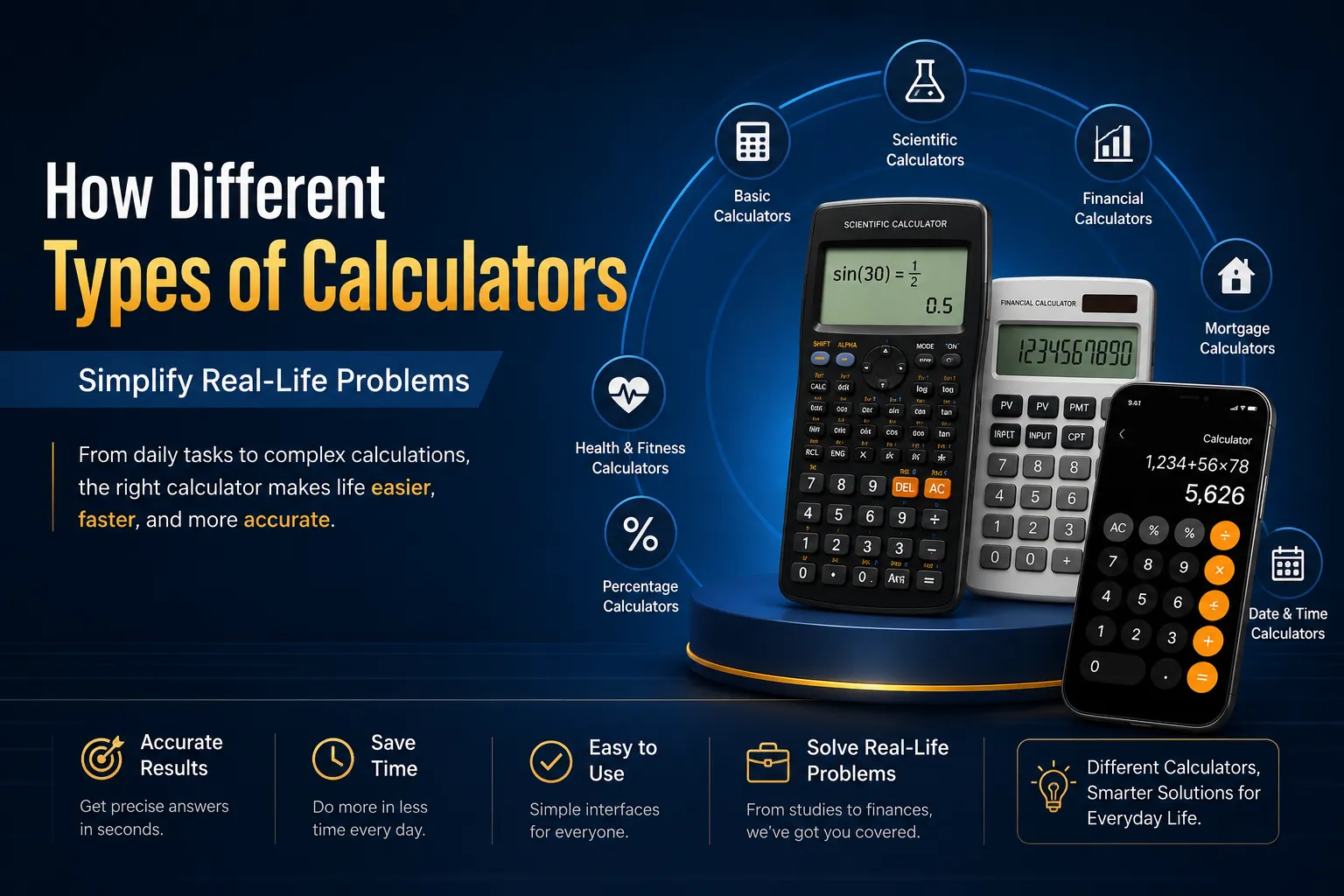
Discover 10 types of calculators that simplify daily tasks, math, finance, health, and more. Find the right calculator to save time and avoid errors.
Calculate your ideal calorie deficit for healthy weight loss. Learn TDEE, BMR, protein needs, meal plans, and fat loss tips for women.
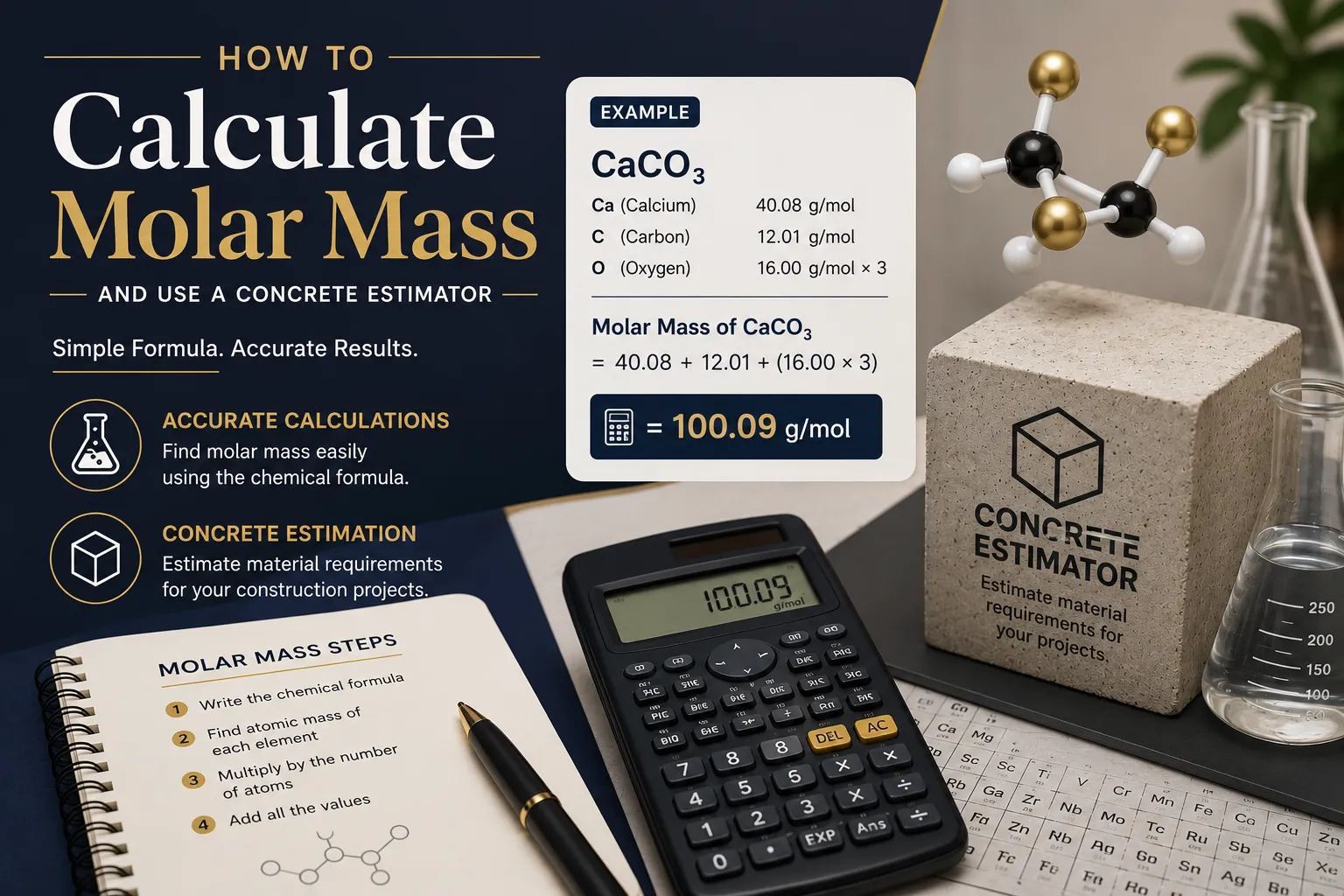
Learn how molar mass and concrete calculators improve accuracy in chemistry and construction. Simple, practical, and perfect for real-world applications.
Learn how to calculate percentages with easy formulas, step-by-step examples, discounts, grades, percentage increase, decrease, and Excel formulas.