
How to Calculate Age Difference Between Two People
Find the exact age gap in years, months, and days with easy formulas, Excel tips, and practical examples for accurate results.
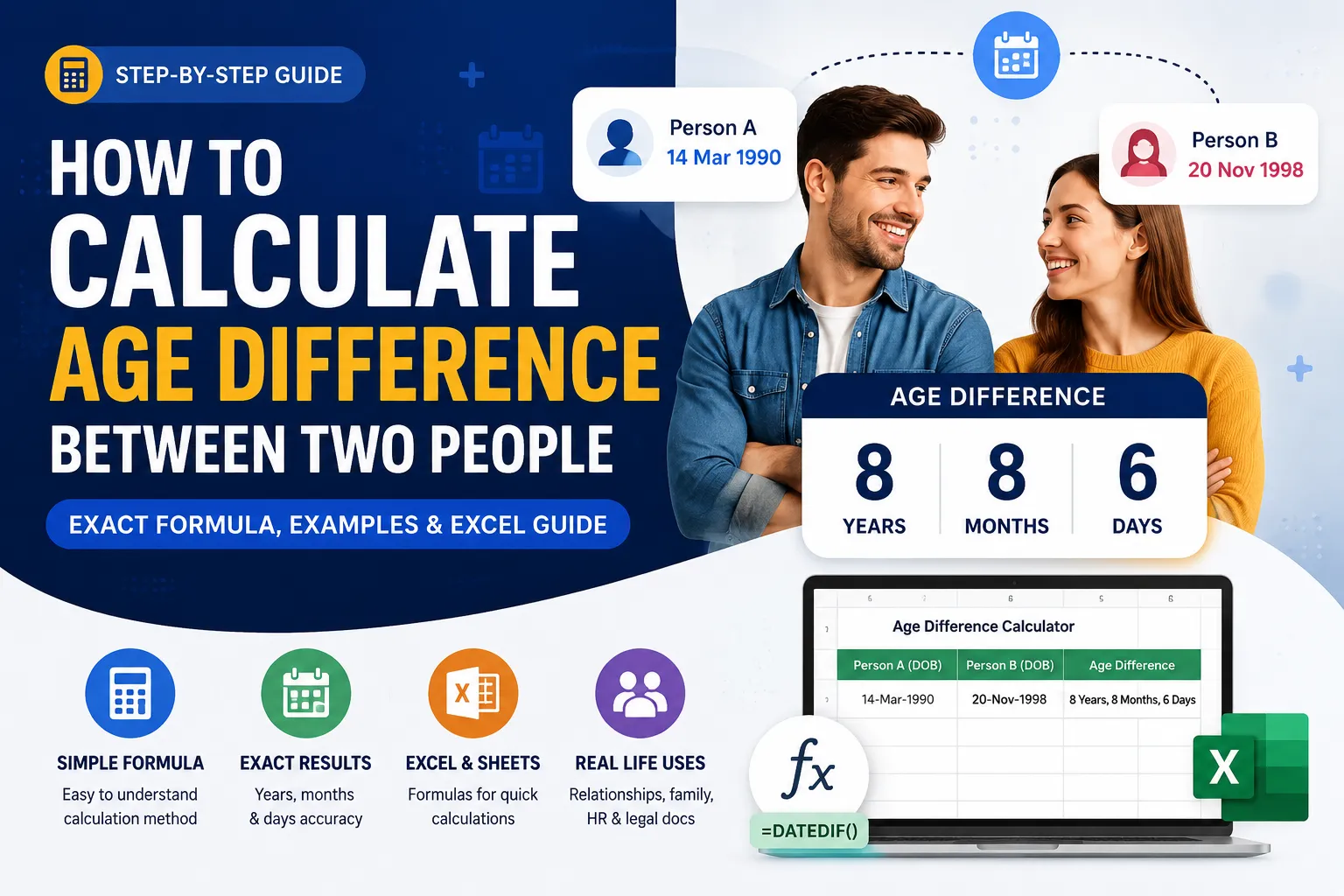
Working out the age difference between two people sounds simple until you actually try it. Most people start by subtracting birth years, get an answer that looks right, and later realise it is off by one whole year. The reason is almost always the same: birthdays. If one person's birthday has not happened yet this year, a plain year-minus-year calculation quietly lies to you.
This guide breaks the process down into a formula you can do in your head, a longer method for exact years, months, and days, and the spreadsheet formulas professionals use to calculate age gaps for hundreds of records at once. By the end, you will be able to calculate an age difference correctly every time, whether you are checking a relationship's age gap, comparing siblings, filling out a family tree, or verifying data in a spreadsheet. If you would rather skip the manual math entirely, our free online age calculator does this instantly from two birth dates, but understanding the logic below means you will always know whether the number it gives you is actually correct.
What "Age Difference" Actually Means
Age difference (also called an age gap) is the amount of time between two people's birth dates, expressed in years or in years and months when greater precision is needed. It is not simply "this year minus that year." It is the distance between two exact calendar dates, and calendar dates do not line up neatly with the start of a year. Whether you call it an age gap, a date-of-birth (DOB) difference, or simply "how many years apart," the underlying calculation is the same.
There are two versions of this calculation people usually need:
Whole-year age gap used casually, for example, "my brother is 5 years older than me."
Precise age gap years, months, and sometimes days, used for legal documents, medical forms, insurance eligibility, or relationship compatibility discussions.
Both use the same core logic. The difference only shows up in how far you take the rounding.
The Core Formula for Calculating Age Difference
Basic formula: Age Difference = Later Birth Year Earlier Birth Year
This works only as a rough estimate. To get the real answer, you have to check whether the younger person's birthday has already occurred this year compared with the older person's birthday. That single check is what almost every online guide skips, and it is the exact place where manual calculations go wrong.
Method (Using Birth Years Only)
Subtract the two birth years. Example: 1998 − 1990 = 8.
Check whose birthday comes first in the calendar year.
If the younger person's birthday has already passed this year, keep the number as is.
If it has not happened yet, subtract 1 from the difference.
Example: Person A was born in 1990 (birthday: March 10). Person B was born in 1998 (birthday: November 20). Raw difference is 8 years. Today is June. Person B's birthday (November) has not happened yet this year, so the two people have not yet completed 8 full years apart in this cycle for precise tracking — but for a simple whole-year gap, 8 years is still correct because we are comparing calendar years, not current ages. The subtraction only matters when you are calculating someone's live current age from a birth date, which is the next method below.
How to Calculate an Exact Age Gap Using Full Birth Dates
This is the method to use when you want the real, precise gap in years and months, the kind used in relationship age-gap discussions, custody paperwork, or HR systems.
Formula
Write both birth dates in day-month-year format.
Subtract the years first, ignoring months and days.
Subtract the months. If the result is negative, borrow 12 months from the year total and subtract 1 from the year.
Subtract the days. If the result is negative, borrow days from the previous month (use 30, or the exact number of days in that month) and subtract 1 from the month total.
What remains is the exact age difference: X years, Y months, Z days.
Worked Example
|
When borrowing is needed: Say Person A was born 25 March 1990, and Person B was born 10 January 1998. Days: 10 − 25 is negative, so borrow a month (30 days) → 40 − 25 = 15 days, and reduce the month count by 1. Months become 0 − 3 − 1(borrowed) = negative again, so borrow a year: 12 + 0 − 3 − 1 = 8 months, and reduce the year count by 1. Years: 1998 − 1990 − 1 = 7. Final answer: 7 years, 8 months, 15 days.
Common Mistakes People Make When Calculating Age Gaps
Having tested this calculation against dozens of real birth-date pairs, the same handful of errors keep showing up. Watch for these.
Subtracting only birth years and ignoring the month/day; this is accurate maybe 50% of the time, purely by luck.
Forgetting leap years when counting days between two dates that span 29 February.
Mixing date formats, treating 03/04/2015 as 3 April in one place and March 4 in another. Always confirm DD/MM/YYYY vs MM/DD/YYYY before calculating.
Rounding a 6-month difference up to a full year, which distorts anything precision-based like medical age brackets or eligibility cut-offs.
Using "current age" instead of "birth date difference": two people's current ages can appear to match even when their birthdays are months apart, especially close to a birthday.
How to Calculate Age Gap in a Relationship
Searches for a relationship age difference calculator usually come from one of two angles: curiosity about a couple's compatibility, or a practical need to confirm exact numbers before a legal step such as marriage registration in a country with age-related rules. The math is identical to the general method above; the only thing that changes is how people interpret the result.
A Simple Framework for Reading the Number
0–3 years apart: generally considered a peer-level gap; shared cultural references and life stage.
4–9 years apart: a moderate gap; life-stage differences (career stage, family planning timing) become more noticeable.
10+ years apart: a significant gap; worth an honest conversation about long-term goals, health timelines, and family plans rather than relying on the number alone.
These bands are a starting point for conversation, not a rule. An age-gap number on its own says nothing about compatibility; it is a data point, not a verdict. What actually matters in practice is whether both people are at a similar point in their goals: career stability, wanting or not wanting children, and financial independence tend to matter more than the number of years between birthdays.
Calculating Age Difference in Excel or Google Sheets
If you are working with a list of birth dates for HR records, a family tree spreadsheet, or a dataset, doing this by hand is impractical. Use the DATEDIF function, which both Excel and Google Sheets support and which Microsoft's own documentation confirms is the standard tool for this exact calculation.
Formula: =DATEDIF(A1,B1,"Y") & " years, " & DATEDIF(A1,B1,"YM") & " months, " & DATEDIF(A1,B1,"MD") & " days"
A1 = the earlier (older person's) birth date
B1 = the later (younger person's) birth date
"Y" returns full years, "YM" returns leftover months, "MD" returns leftover days
Note that DATEDIF is an undocumented function in Excel; it still works reliably, but Microsoft does not list it in the standard function menu, so type it manually rather than searching for it in the ribbon.
Quicker whole-year-only version: =DATEDIF(A1,B1,"Y")
Manual Calculation vs. an Online Age Difference Calculator
Both approaches get you the same number. The right choice depends on what you are doing with the result.
Situation | Best Method |
|---|---|
One-off check between two known dates | Manual formula (2-minute calculation) |
Checking a relationship age gap out of curiosity | Manual formula or a quick online tool |
Processing dozens or hundreds of records | Spreadsheet DATEDIF formula |
Need day-level precision for legal or medical use | Online calculator or spreadsheet, then double-check manually |
Teaching someone the concept (school, training) | Manual, step-by-step method |
A calculator is faster, but it will not catch a wrong input. If you type a birth year in the wrong field or reverse day and month, the tool will confidently return an incorrect answer. Knowing the manual method means you can sanity-check any tool's output in seconds. If the number looks off by exactly one year, it is almost always a birthday-not-yet-occurred issue. For a quick check on any two calendar dates beyond just birthdays, deadlines, anniversaries, or contract terms, a general-purpose date calculator works the same way and saves you from doing the borrowing math by hand.
Quick Reference: Age Gap by Birth Year
For a fast estimate without doing the month/day check, use this table as a starting reference, then confirm with the exact method if the answer needs to be precise.
Birth Year (Person A) | Birth Year (Person B) | Approximate Gap |
|---|---|---|
1985 | 1990 | 5 years |
1992 | 1998 | 6 years |
1995 | 2000 | 5 years |
2000 | 2010 | 10 years |
1988 | 1989 | 1 year (verify with exact dates) |
Conclusion
Confirm both dates use the same format (day/month/year vs month/day/year).
Subtract years first, then adjust for whether the later birthday has occurred yet.
For precision, work out years, months, and days separately, borrowing where needed.
For bulk data, use DATEDIF in Excel or Google Sheets instead of manual subtraction.
Sanity-check any online calculator's result using the manual method above.
Once you understand the borrowing logic behind the exact method, you will never be caught out by the classic "off by one year" mistake again, whether you are settling a casual debate about who is older, filling in a form, or building a spreadsheet that needs to get it right every single time.
Frequently Asked Questions
Q: How do I calculate the age difference between two people quickly?
Subtract the earlier birth year from the later birth year. Then check whether the younger person's birthday has already passed this calendar year; if not, subtract one from the total. This gives an accurate whole-year gap in under a minute.
Q: How do you calculate an age gap in months, not just years?
Convert both birth dates into total months since a fixed point (or use the DATEDIF "YM" method in a spreadsheet). Subtract the smaller total from the larger. This is useful for infants and young children, where an age gap is usually described in months rather than years.
Q: Is there a difference between "age gap" and "age difference"?
Not mathematically; both terms describe the same calculation. "Age gap" is used more often in relationship or dating contexts, while "age difference" is more common in family, medical, or administrative contexts.
Q: Does the calculation change for leap year birthdays (29 February)?
The year-and-month math stays the same. The only adjustment is for someone born on 29 February in a non-leap year context; most systems treat their birthday as 28 February or 1 March for that year, so use whichever convention the record-keeping system you're using specifies.
Q: What is considered a "normal" age gap between partners?
There is no universal standard; cultural norms and personal circumstances vary widely. As a general reference point used in casual conversation, gaps under 10 years are the most common in long-term relationships, but compatibility depends far more on shared goals and life stage than on the number itself.
Related Articles

See WhatsApp API pricing in 2026, cost per message, Meta fees, BSP markups, Pakistan rates, and how to calculate your monthly WhatsApp API cost.
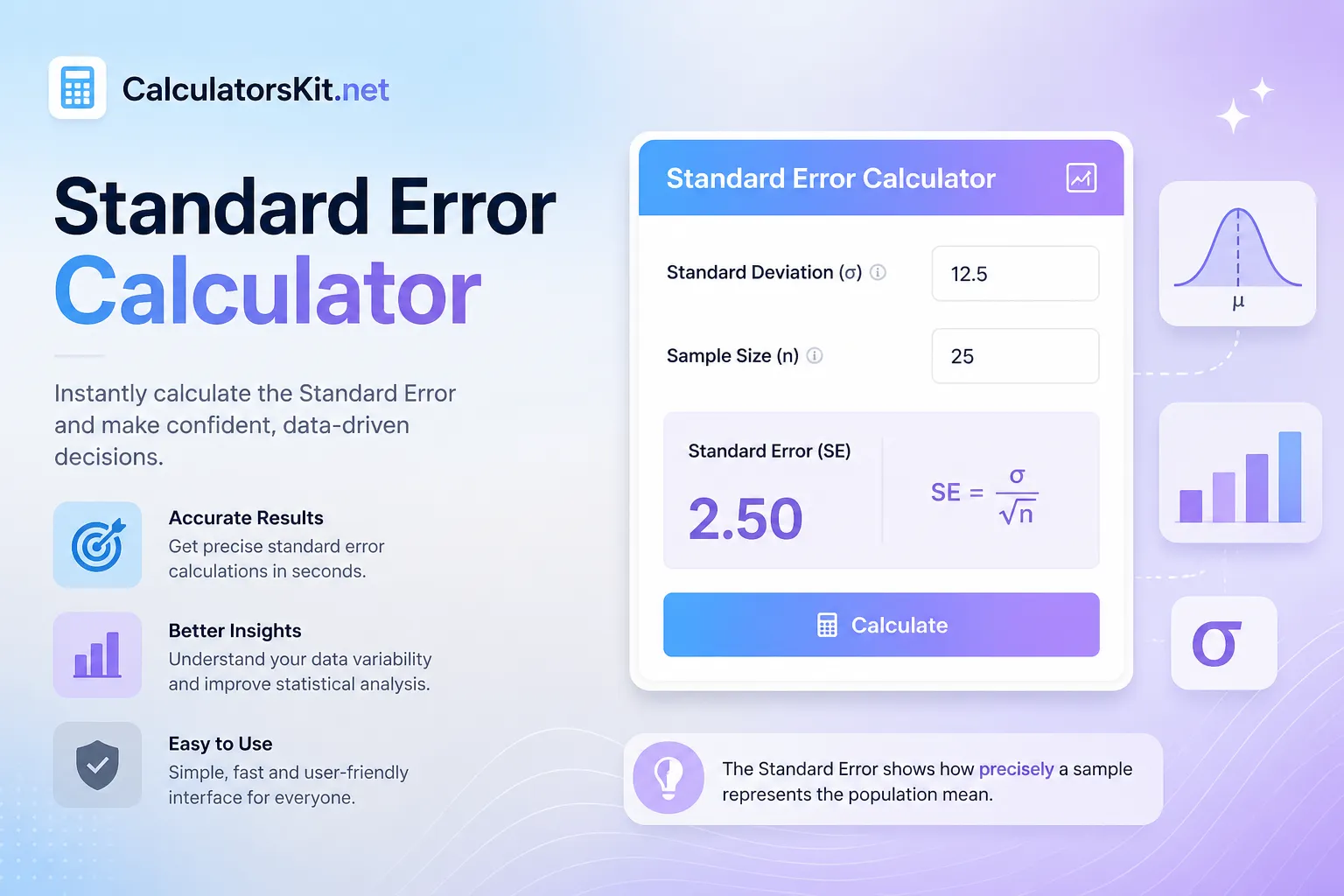
Calculate standard error quickly with formulas and examples. Learn SE for means, proportions, two samples, confidence intervals, Excel, and Casio.

Learn how to calculate a car loan payment using APR, interest, loan term, trade-in, and simple formulas. See examples and avoid costly mistakes.

Calculate productivity percentage instantly using billable and paid minutes. Learn lunch, concurrent therapy, targets, formulas, and billing units.